When it comes to dimmers and smart lighting control, a Lutron light switch is the name electricians reach for first. Lutron invented the solid-state dimmer, and decades later their switches remain the benchmark for smooth, flicker-free LED dimming and rock-solid smart-home reliability. But “Lutron” spans everything from a $20 manual dimmer to a whole-home wireless system, and choosing the right line, plus answering the neutral-wire question before you buy, is what separates a clean install from a returned box.
Why Lutron Stands Out
Two things earn Lutron its reputation. First, LED dimming performance: cheap dimmers make LEDs flicker, buzz, and drop out at the low end, while Lutron’s dimmers are engineered and tested against huge lists of specific bulb models to dim smoothly all the way down. Second, reliability: their wireless system, Caseta, uses Lutron’s own Clear Connect radio rather than Wi-Fi, so switches respond instantly and keep working even when your internet doesn’t. For anyone who’s been frustrated by flickering LEDs or laggy smart switches, that’s the difference that matters.
The Main Lutron Lines
Lutron’s naming can be confusing. Here are the lines you’ll actually encounter:
- Caseta — Lutron’s flagship smart lighting system. Wireless dimmers and switches that work with the Lutron app, a small hub (the Smart Bridge), and voice assistants. Famous for the Pico remote. The go-to for reliable smart lighting. Dimmers run about $60, switches $45 to $60, plus the hub.
- Diva — Lutron’s popular manual (non-smart) dimmer with a large paddle and a slide control alongside it. Excellent LED dimming without any app or hub. Around $25 to $30. There’s also a Caseta-enabled “Diva Smart Dimmer” that adds app control in the same familiar form factor.
- Maestro — a premium manual line with a tap-on/tap-off paddle and a small LED bar showing the dim level. Includes companion products like motion-sensing switches and fan controls. $30 to $45.
- Toggler and Skylark — simpler, budget-friendly manual dimmers in traditional toggle or rocker styles.
- RadioRA / HomeWorks — high-end professionally installed whole-home systems. Overkill for a single switch, but the same technology scaled up.
For most people, the decision is: a Diva or Maestro if you just want a great manual dimmer, or Caseta if you want app and voice control, schedules, and remotes.
The Neutral-Wire Question (Read This First)
Before you buy any Lutron switch, you need to know whether your electrical box has a neutral wire, because it determines which models will work. Smart and electronic switches need constant power to run their electronics, and that usually comes from a neutral.
Here’s the good news that sets Lutron apart: many Lutron dimmers, including the standard Caseta dimmer, are designed to work without a neutral wire. They power themselves through the load (the bulbs) instead. That’s a big deal in older homes where switch boxes often have no neutral. However:
- Lutron dimmers (Caseta dimmer, Diva, Maestro dimmers) typically work with or without a neutral, check the specific model.
- Lutron switches (on/off, non-dimming, like the Caseta switch for fans or non-dimmable loads) generally do require a neutral because they can’t trickle power through a load the same way.
So the first step is always the same: turn off the breaker, pull your existing switch, and look in the box. If you see a bundle of white wires capped together, you have a neutral and can use anything. If not, you’re limited to no-neutral-compatible dimmers, and Lutron is your best friend here because so many of theirs support it.
Match the Switch to Your Load
Get the load type right or you’ll get flicker, buzz, or a dead fixture:
- Dimmable LED/CFL: use a Lutron LED-rated dimmer (all current models) and confirm your bulbs are dimmable. Lutron publishes a bulb compatibility list, use it for a flicker-free result.
- Non-dimmable loads: use a Lutron switch, not a dimmer. Dimming a non-dimmable bulb ruins it.
- Ceiling fans: use a Lutron fan control (like the Maestro or Caseta fan switch), never a light dimmer, which can damage the motor.
- Minimum load: low-wattage LED setups (one or two bulbs) sometimes fall below a no-neutral dimmer’s minimum; Lutron sells a small “load add” device or you choose a neutral-wired model.
Single-Pole vs. 3-Way
Note how many switches control the light. A single-pole setup has one switch. A 3-way has two (top and bottom of a staircase, for example). Lutron makes 3-way-capable dimmers, and in a 3-way you typically install one Lutron dimmer plus a companion device, for Caseta, that companion is often a wireless Pico remote rather than a wired second switch, which actually simplifies the wiring. Confirm 3-way compatibility before buying.
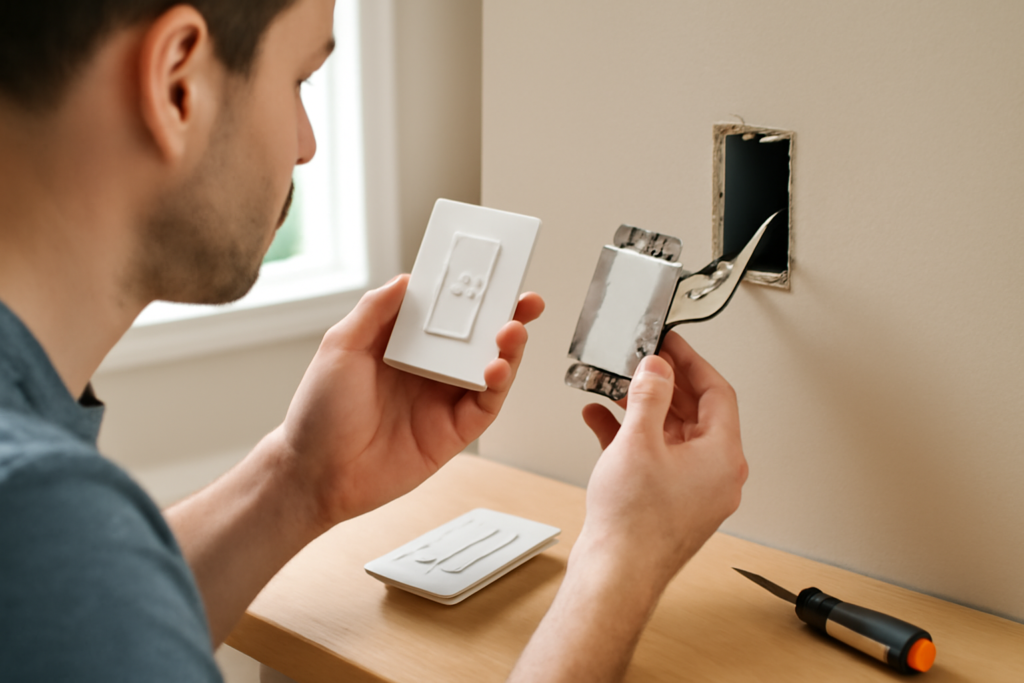
Installing a Lutron Switch
This is line-voltage electrical work, treat it seriously.
- Turn off the breaker for the circuit at the panel. Don’t just switch the light off.
- Verify it’s dead with a non-contact voltage tester on the wires, after confirming the tester works on a known-live circuit.
- Remove the old switch and photograph the wiring. Identify the hot/line, the load (to the fixture), the neutral bundle if present, the ground, and any traveler wires in a 3-way.
- Wire the Lutron per its diagram. Lutron dimmers usually have color-coded leads: black to line/load, red for the other line/load or traveler, green to ground, and, on neutral-required models, a white lead to the neutral bundle. Follow the included instructions exactly, they’re clear and model-specific.
- Fold the wires in and mount the switch. Lutron dimmers are a bit deeper than a plain switch; make sure the box has room.
- Restore power, test the dimming range, and, if it’s a Caseta, pair it to the Smart Bridge in the Lutron app.
If your box has no neutral and your chosen switch needs one, if you’re facing a confusing 3-way, or if you’re unsure which wire is which, stop and call a licensed electrician. There’s no shame in it, and it’s cheaper than fixing a mistake.
Setting Up Caseta Smart Features
If you went with Caseta, the payoff is in the app:
- Plug in the Smart Bridge and add each switch in the Lutron app.
- Create schedules (lights on at sunset, off at bedtime) and scenes (one tap dims the whole room for movie night).
- Pair Pico remotes to control lights from anywhere, no box or wiring needed, a genuinely useful trick for adding a “switch” where there isn’t one.
- Link to Alexa, Google, or Apple Home for voice control.
Common Problems and Fixes
- LED flicker: usually a bulb the dimmer isn’t tuned for, check Lutron’s compatibility list, or set the dimmer’s low-end trim per the manual.
- Buzzing: often the bulbs, not the switch, try a different LED, or the load is too high; verify wattage limits.
- Lights won’t turn fully off / faint glow: a no-neutral model leaking current through the LEDs; add the Lutron load device or use a neutral-wired model.
- Caseta unresponsive: confirm the Smart Bridge is online; Clear Connect range is generous but thick walls can attenuate it.
Bottom Line
A Lutron light switch is the reliable choice for anyone who wants LEDs that dim smoothly and smart control that actually works. Decide first whether you want manual (Diva, Maestro) or smart (Caseta), then check your box for a neutral wire, remembering that many Lutron dimmers work fine without one, which is exactly why they shine in older homes. Match the switch to your load, install it with the breaker off and a voltage tester in hand, and you’ll have lighting control that outlasts and outperforms the cheap alternatives.
Setting the Low-End Trim
One Lutron feature worth knowing about is low-end trim, the adjustment that sets how dim the lights can go before they flicker or drop out. LED bulbs vary wildly in how low they’ll dim cleanly, and out of the box a dimmer’s minimum may be set too low for your particular bulbs, causing flutter at the bottom of the range. Most Lutron dimmers let you calibrate this: you follow a short button sequence in the manual to nudge the low end up until the lights hold steady at their dimmest without flickering. Spending five minutes on this after install is the difference between a dimmer that flutters at 5 percent and one that glows smoothly all the way down.
Pico Remotes: Lutron’s Secret Weapon
If you go with Caseta, the Pico remote is the feature that changes how you think about switches. A Pico is a small battery-powered wireless controller, no wiring, no box, that pairs to any Caseta dimmer or switch and controls it from anywhere in range. Stick one to the wall where you always wished there was a switch, drop one in a nightstand caddy, or keep one in the car visor to trigger the porch light. Because it needs no electrical box, it lets you add a control point to a room that never had one without opening a wall. For three-way and multi-location control, a Pico is often simpler and cheaper than wiring a second physical switch.