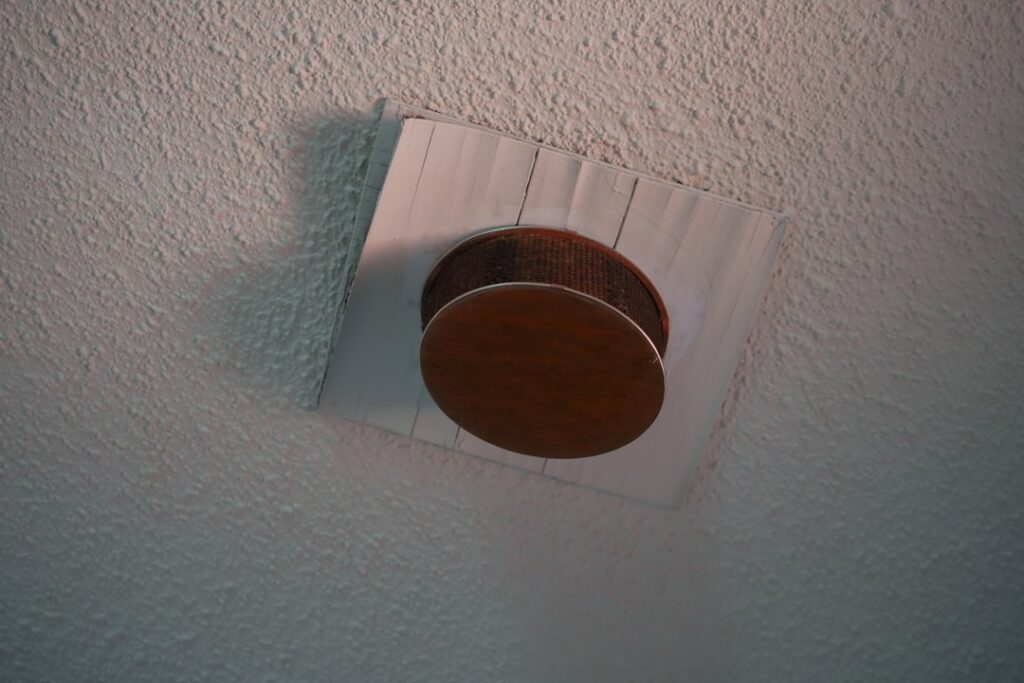
A bathroom fan that runs only when you remember to flip the switch is a bathroom fan that lets mold win. Choosing the best bathroom exhaust fan with humidity sensor takes the guesswork out of moisture control by turning the fan on automatically the moment the air gets damp and shutting it off once conditions clear. After installing dozens of these units, I can tell you the right model pays for itself in fewer mildew problems and lower repaint bills.
- Why a Humidity-Sensing Fan Is Worth It
- How to Size the Fan (CFM Matters Most)
- Noise, Measured in Sones
- Top Models Worth Considering
- Panasonic WhisperSense DC FV-0511VQC1
- Broan-NuTone Sensonic or QTX Series
- Delta BreezSmart SMT130H
- Panasonic WhisperGreen Select
- Features to Look For
- Installation Basics and Costs
- Humidity Sensing vs. Timer vs. Motion Control
- Common Buying Mistakes to Avoid
- Maintenance to Keep the Sensor Accurate
- Frequently Asked Questions
Why a Humidity-Sensing Fan Is Worth It
Standard fans depend entirely on the user. People shut them off too early, or never turn them on for a quick shower. A humidity sensor solves that by monitoring relative humidity and triggering the motor when levels spike, then running long enough to dry the room. That consistency protects drywall, grout, paint, and window frames from the slow rot that steam causes over years.
These fans also help in windowless baths, basements, and rental units where tenants may not ventilate properly. The sensor does the thinking, and most units still include a manual override.
How to Size the Fan (CFM Matters Most)
Before you compare brands, get the airflow right. Fans are rated in CFM, or cubic feet per minute. The rule of thumb for bathrooms under 100 square feet is 1 CFM per square foot, with a 50 CFM minimum. For larger baths, add capacity for fixtures.
- Under 50 sq ft: 50 CFM
- 50 to 100 sq ft: match CFM to square footage (a 70 sq ft bath needs about 70 CFM)
- Over 100 sq ft: add 50 CFM per shower or tub, 100 CFM for a jetted tub, and 50 CFM per toilet
Undersizing is the most common mistake. A fan too weak for the room never fully clears the humidity, so the sensor keeps cycling and the room stays damp anyway.
Noise, Measured in Sones
Fan loudness is rated in sones. Lower is quieter. A rating of 4.0 sones sounds like a small kitchen appliance, while 0.3 to 1.0 sones is whisper-quiet. For a comfortable bathroom, aim for 1.5 sones or less. Premium humidity-sensing models often hit 0.3 to 1.1 sones, which is quiet enough that you may not notice the fan running at all.
Top Models Worth Considering
Panasonic WhisperSense DC FV-0511VQC1
This is my top all-around pick. It combines both humidity and motion sensing, delivers a user-selectable 50, 80, or 110 CFM, and runs at roughly 0.3 to 0.7 sones. The DC motor is efficient and durable. Expect to pay $180 to $230. It’s overkill for a powder room but ideal for a full family bath.
Broan-NuTone Sensonic or QTX Series
Broan’s humidity-sensing fans are reliable workhorses at a friendlier price. The Broan-NuTone SmartSense-compatible and QTXE models offer 80 to 110 CFM at 0.8 to 1.1 sones for roughly $90 to $160. Good value for standard bathrooms.
Delta BreezSmart SMT130H
A strong budget-to-midrange choice around $80 to $110. It provides 130 CFM with adjustable humidity sensitivity and a quiet 1.0 sone rating. The adjustable dew-point trigger is a nice touch for humid climates.
Panasonic WhisperGreen Select
A customizable platform where you add a humidity-sensing plug-in module. Great for pros who want one fan body and interchangeable controls. Figure $150 to $250 depending on the CFM module.
Features to Look For
- Adjustable humidity threshold: lets you tune the trigger point to your climate so the fan isn’t running constantly in a humid region.
- Manual override: handy for odor control even when humidity is low.
- DC motor: quieter, longer-lasting, and more energy efficient than older AC motors.
- Energy Star rating: confirms efficiency and typically better bearings.
- Built-in LED light: some units combine fan, light, and sensor in one housing to simplify wiring.
- Delayed shutoff: keeps the fan running a set time after humidity drops to fully dry the room.
Installation Basics and Costs
If you’re replacing an existing fan of the same CFM and duct size, a handy homeowner can swap one in an afternoon. Match the duct diameter (usually 4 or 6 inches) and always vent to the exterior, never into an attic or soffit where moisture will collect. Use rigid or semi-rigid metal duct rather than flexible plastic when possible, keep runs short and straight, and seal joints with foil tape.
Budget $30 to $80 for materials beyond the fan if you need duct, a roof or wall cap, and wire connectors. Hiring an electrician or handyman typically runs $150 to $400 for a straightforward replacement, more if new ductwork or a new circuit is required. If the sensor and light share the housing, confirm your wiring supports the combined load before you buy.
Humidity Sensing vs. Timer vs. Motion Control
Automatic fans come in a few flavors, and it helps to know why humidity sensing usually wins. A plain timer switch runs the fan for a fixed number of minutes after you flip it, which is better than nothing but ignores actual conditions. A motion sensor turns the fan on when you enter and off when you leave, so it clears odors but often shuts down before the steam from a long shower dissipates. A humidity sensor is the only option that responds to the thing you actually care about, which is moisture in the air.
The best premium units, like the Panasonic WhisperSense line, combine humidity and motion so the fan handles both odor and steam without any input from you. If you’re choosing on a budget, prioritize the humidity sensor over the motion feature. Moisture is what rots trim and grows mold; a stray odor is a minor nuisance by comparison.
Common Buying Mistakes to Avoid
- Buying on CFM alone: a loud, high-CFM fan you never want to run is worse than a quiet one you leave to the sensor.
- Ignoring duct size: pairing a 6-inch fan with a 4-inch duct chokes airflow and defeats the rating on the box.
- Venting into the attic: dumping humid air into an enclosed space just moves your mold problem out of sight.
- Skipping the backdraft damper: without one, cold outside air and odors flow back into the bathroom.
Maintenance to Keep the Sensor Accurate
Dust buildup on the grille and sensor can throw off readings and cut airflow. Every three to six months, pull the cover, vacuum the grille and blades, and wipe the housing. A clogged fan works harder, runs louder, and lets humidity linger, which defeats the whole purpose of the sensor.
Frequently Asked Questions
What is the best bathroom exhaust fan with humidity sensor for a large bathroom?
For bathrooms over 100 square feet, the Panasonic WhisperSense DC at 110 CFM or the Delta BreezSmart at 130 CFM both handle the volume well while staying quiet. Size the CFM to the room and fixtures rather than defaulting to the smallest unit.
Do humidity-sensing fans use a lot of electricity?
No. Modern DC-motor models draw very little power, often under 20 watts, and because they only run when needed, total energy use is usually lower than a manual fan that gets left on for hours.
Can I install a humidity-sensing fan myself?
If you’re comfortable with basic wiring and can match the existing duct and electrical, a like-for-like replacement is a reasonable DIY project. New ductwork, roof penetrations, or a new circuit are jobs better left to a pro.
What humidity level should the fan trigger at?
Most fans let you set a threshold between 50 and 80 percent relative humidity. Around 60 to 65 percent is a good starting point; raise it if you live in a naturally humid area and the fan runs too often.
Pick the right CFM, keep the sones low, and let the sensor do its job, and your bathroom stays dry without you ever thinking about the switch.