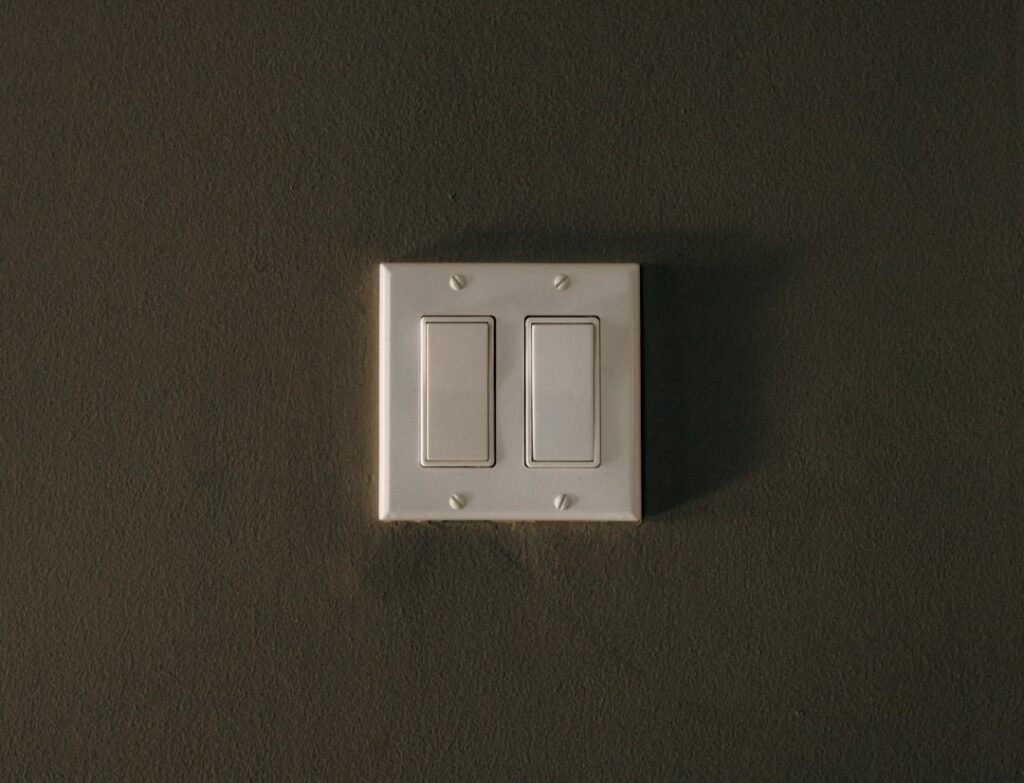
A Bluetooth light switch lets you control your lights from your phone without a separate hub or a reliable Wi-Fi signal — it pairs directly to your device over Bluetooth, the same way wireless earbuds do. For a single room, a garage, or a house with spotty Wi-Fi, that direct connection is simpler and cheaper than a full smart-home setup, and it still gives you scheduling, dimming, and often voice control.
- Bluetooth vs. Wi-Fi vs. Hub-Based Switches
- What a Bluetooth Switch Can Do
- The Neutral-Wire Requirement
- Costs
- Tools You Will Need
- Safety First
- Installation, Step by Step
- Pairing and Setup
- Bluetooth Range and Limits
- Three-Way and Multi-Switch Setups
- Troubleshooting
- Battery-Powered vs. Wired Bluetooth Switches
- Local Control and Privacy
- Firmware, Apps, and Longevity
- Is a Bluetooth Switch Right for You?
This guide explains how a Bluetooth switch differs from Wi-Fi and hub-based systems, the neutral-wire question that determines whether one will even work in your box, and how to install one safely.
Bluetooth vs. Wi-Fi vs. Hub-Based Switches
All three are “smart switches,” but they connect differently, and the difference matters:
- Bluetooth: Pairs directly to your phone or tablet within range (roughly 30 feet). No hub, no router dependency. Great for a single room. Downside: control is mostly local — you generally cannot toggle the light from across town unless the system adds a bridge.
- Wi-Fi: Connects to your home router, so you can control it from anywhere with internet. No hub, but it loads your Wi-Fi network and depends on a strong signal at the switch.
- Hub-based (Z-Wave/Zigbee): Talks to a central hub that then reaches the internet. Most robust for large homes but requires buying and setting up the hub.
Pick Bluetooth when you want simple, local control of one or a few lights and do not need to operate them while away from home. Some Bluetooth switches add a companion bridge later for remote access.
What a Bluetooth Switch Can Do
- Turn lights on/off and dim from a phone app
- Set schedules and timers (on at sunset, off at bedtime)
- Group multiple switches into scenes
- Voice control through Alexa, Google Assistant, or Siri (some require a bridge for voice)
- Vacation/away randomization to look occupied
The Neutral-Wire Requirement
This is the make-or-break detail. A smart switch’s electronics need power even when the light is off, and most get that power through a neutral wire. Before you buy:
- Most Bluetooth and Wi-Fi smart switches require a neutral wire in the box — a bundle of white wires capped with a wire nut.
- Homes wired before the 2011 NEC often have no neutral at the switch box, only the hot loop.
- A few switches are designed to work without a neutral, using a small bleed current through the fixture — these can flicker some LED bulbs and are the exception.
Turn off the power and open the box first. If you see a capped bundle of white wires separate from the switch, you have a neutral and can use standard smart switches. If not, either buy a specifically no-neutral-required switch or have an electrician run a neutral to the box.
Costs
- Basic Bluetooth switch/dimmer: $20–$40.
- Bluetooth switch with bridge for remote access: $40–$70 plus the bridge.
- No-neutral-required smart switch: $30–$60.
- Electrician to run a neutral (if needed): $150–$400 depending on wall access.
Tools You Will Need
- Non-contact voltage tester (tested on a known-live source)
- Insulated screwdrivers
- Wire strippers, needle-nose pliers
- Wire nuts and electrical tape
- A decora wall plate
- Your phone with the switch’s app installed
Safety First
- Turn off the breaker for the circuit at the panel.
- Verify de-energized with a non-contact voltage tester on the switch and every wire in the box — boxes can carry more than one circuit.
- Do not rely on the wall switch position; confirm dead at the wires.
Installation, Step by Step
- With power off and verified, remove the plate and the old switch. Photograph the wiring first.
- Identify your wires: line (incoming hot), load (to the fixture), neutral (white bundle), and ground. A smart switch labels each of its leads.
- Connect line to LINE, load to LOAD, the switch’s neutral lead to the neutral bundle, and ground to ground, per the manufacturer’s diagram.
- Because the switch’s leads are labeled specifically, follow that diagram rather than assuming interchangeable terminals — line and load are not interchangeable on most smart switches.
- Carefully fold the wires into the box; smart switches are deeper than standard ones and can be a tight fit.
- Mount the switch and install the decora plate.
- Restore power and complete pairing in the app.
Pairing and Setup
- Install the manufacturer’s app and turn on Bluetooth on your phone.
- Put the switch in pairing mode (usually a press-and-hold on the paddle until an LED blinks).
- Follow the app to add the device; keep the phone within range during setup.
- Name the switch, set schedules, and — if the system supports it — link it to Alexa, Google, or Siri.
Bluetooth Range and Limits
Bluetooth reaches about 30 feet through open air, less through walls. If you want to control the switch from another floor or while away, you need a Bluetooth switch that offers a bridge/hub add-on or a Wi-Fi switch instead. For a garage, a single bedroom, or a porch light you operate from inside the room, plain Bluetooth is plenty.
Three-Way and Multi-Switch Setups
If the light is currently controlled from two locations (a three-way circuit), you need a smart switch that explicitly supports three-way operation, usually with a companion/add-on switch and a neutral. Check the product’s three-way support before buying — a standard single-pole smart switch will not correctly control a three-way circuit.
Troubleshooting
- Switch won’t power up: Missing or wrong neutral connection — the most common failure.
- Won’t pair: Phone out of Bluetooth range, or the switch is not in pairing mode; move closer and retry.
- LED bulbs flicker or glow when off: Common with no-neutral switches; add the maker’s bypass module at the fixture or use a neutral-required switch.
- Drops connection: Bluetooth range limit — relocate the phone or add a bridge.
- Switch too deep for the box: Use a box extender or a deeper old-work box.
Battery-Powered vs. Wired Bluetooth Switches
Not every Bluetooth switch replaces the one in the wall. There are two families worth distinguishing. A wired Bluetooth switch installs in the box in place of your existing switch and controls the circuit directly — this is what needs the neutral-wire check. A battery-powered Bluetooth remote or dimmer, by contrast, sticks to the wall or sits on a table and talks wirelessly to smart bulbs or a companion module; it needs no wiring at all because it does not carry the load. Battery remotes are ideal for renters or for adding a control point where there is no box, but they only work if the bulbs or fixtures they command are themselves smart. Decide which architecture you want before buying: a wired switch controls dumb bulbs on the circuit, while a battery remote controls smart bulbs.
Local Control and Privacy
One underrated advantage of Bluetooth over Wi-Fi is that control stays local. Because the switch pairs directly to your phone rather than phoning home through a cloud server, it keeps working when your internet is down, it does not add traffic to your router, and there is no account or cloud dependency for basic on/off and dimming. That also means less data leaving your home. The trade-off is the flip side of the same coin: no cloud means no control while you are away unless the system adds a bridge. If you value simplicity and privacy over remote access, Bluetooth’s local-only model is a feature, not a limitation. Weigh whether you truly need to toggle a light from the office, or whether in-room control is all you actually use.
Firmware, Apps, and Longevity
A smart switch is only as good as the app and firmware behind it. Before buying, check that the manufacturer’s app is well reviewed and still updated, because an abandoned app can strand an otherwise fine switch. Look for switches that support firmware updates over the app so bugs and compatibility issues get fixed over time. Consider whether the brand also offers a bridge or ties into Alexa, Google Assistant, or Apple Home in case you expand later. Keep the model and the app login recorded with your home documents. A switch from an established brand with an active app will keep working and improving for years, while a bargain no-name unit may lose support the moment the seller moves on.
Is a Bluetooth Switch Right for You?
Choose it if you want simple, hub-free, local control of a light or two, you are fine operating them from within the room, and your Wi-Fi is weak or you would rather not load your network. Choose Wi-Fi or a hub system if remote and whole-home control matter. Either way, the neutral-wire check comes first — it decides which switches you can even install.
A Bluetooth light switch is the easiest on-ramp to smart lighting: no hub, no router headaches, just a direct pair to your phone for around thirty dollars. Confirm you have a neutral wire in the box before you buy, kill the breaker and verify it is dead before wiring, and follow the switch’s labeled line-load-neutral diagram exactly. Do that and you will have app control, dimming, and schedules on your lights in under half an hour.