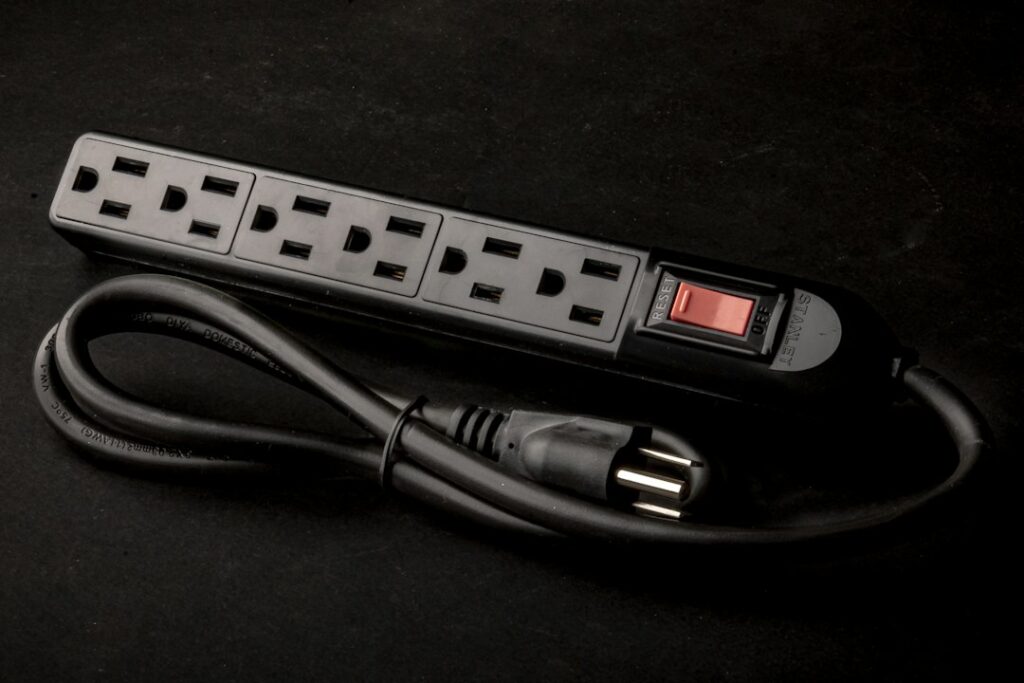
A cheap strip with a couple of USB ports looks like an easy win, until your laptop charges at a crawl or the strip takes a surge and quietly stops protecting anything. A good usb power strip does three jobs at once: it adds outlets, it charges phones and tablets directly, and, if it is a true surge protector, it absorbs voltage spikes before they reach your electronics. Many products on the shelf only do the first two.
The quick answer: look for a UL 1449 listing (which confirms surge protection, not just basic safety), a joule rating that fits the value of what you are plugging in, and USB-C Power Delivery wattage that matches your fastest-charging device. Then plug the strip directly into a wall outlet and keep heat-producing appliances off it entirely.
Everything else, from tower versus flat designs to cord length and outlet spacing, is about fitting the strip to the room. Each spec is broken down here so you can compare boxes with confidence.
What to Look for in a USB Power Strip
Start by deciding whether you need a plain power strip with USB ports or a surge protector power strip with USB. A plain strip is only an extension of the wall outlet with a circuit breaker built in. It adds convenience but does nothing about spikes. A surge protector with USB adds components (usually metal oxide varistors) that divert excess voltage to ground.
For a nightstand lamp and phone charger, a simple outlet strip with USB can be fine. For a desk with a computer, monitor and networking gear, or an entertainment center, surge protection is worth the small price difference.
The Labels That Matter
- UL 1449: the standard for surge protective devices. A strip that is only listed to the general power-strip standard is not a tested surge protector, even if the box uses the word “protection.”
- Joule rating: roughly how much surge energy the strip can absorb over its life. More on this in its own section.
- Clamping voltage (VPR): the voltage at which protection kicks in. Lower is better; common ratings are 330, 400 and 500 volts.
- Protection indicator light: tells you the surge components are still working. Without one you cannot tell when protection has worn out.
- Total USB output: the combined wattage shared across all USB ports, which is often much lower than the per-port maximum.
How to Read Joule Ratings
Think of joules as a budget. Every surge, including the small ones that happen dozens of times a year when motors cycle on and off in your home, spends part of that budget. When it runs out, the strip keeps delivering power but no longer protects. That is why an indicator light matters.
General guidance by use:
- Under 1,000 joules: lamps, clocks, phone chargers and small items where replacement is inexpensive.
- 1,000 to 2,000 joules: home office setups, printers, routers and gaming consoles.
- 2,000 joules and up: home theater components, desktop computers with valuable data and high-end audio gear.
A higher number is not a license to ignore replacement. Most manufacturers suggest replacing a surge protector after a major surge event, such as a nearby lightning strike, or every few years in areas with frequent storms. Some strips include a connected equipment warranty; read the fine print, because claims usually require registration and proof of damage.
USB-A, USB-C and Power Delivery Wattage
This is where many buyers get disappointed. A USB type C power strip may advertise “65W,” but that figure often applies to one port only when nothing else is plugged in. Plug in a phone at the same time and the laptop port may drop to 45 watts or lower.
Rough Wattage Needs
- Phones: 18 to 30 watts for fast charging over USB-C.
- Tablets: 20 to 45 watts.
- Small laptops and handheld gaming devices: 45 to 65 watts.
- Larger laptops: 65 to 100 watts or more.
- Earbuds, watches and accessories: 5 to 10 watts, which older USB-A ports handle fine.
When comparing a power strip with USB-C, look for the “Power Delivery” (PD) label on the USB-C ports and a published chart that shows how output splits when multiple ports are in use. A type C surge protector that lists only a single headline number is hiding the details that matter most.
USB-A ports remain useful for older cables and low-draw accessories. A mix of two USB-C and two USB-A ports covers most households. If you mostly charge laptops, prioritize total USB-C wattage over port count.
Tower vs Flat Formats
Power strip towers stand upright and spread outlets across two or three sides. They save desk space, keep bulky adapters from blocking neighbors and often put USB ports at the top where cables are easy to reach. The tradeoff is stability: a tall tower can tip if a stiff cord pulls sideways, so place it where it will not be bumped.
Flat strips lie on the floor or mount under a desk with screws through keyhole slots. They suit entertainment centers and workbenches. Look for widely spaced or rotating outlets so wall-wart adapters do not cover two outlets at once.
Small travel-style units, sometimes sold as a usb multi plug or multi outlet plug with usb, plug straight into the wall with no cord. They are handy in hotel rooms and bathrooms, but most offer little or no surge protection and have a low total wattage. Check the label before relying on one for a laptop.
What Never to Plug Into a Power Strip
Power strips and surge protectors are built for electronics, not heat-producing or motor-driven appliances. Plug these directly into a wall outlet:
- Space heaters
- Microwaves, toaster ovens and air fryers
- Coffee makers and electric kettles
- Refrigerators and freezers
- Window air conditioners and dehumidifiers
- Hair dryers, curling irons and other styling tools
- Another power strip or extension cord
Each of these can draw 10 to 15 amps on its own, which is the full capacity of a typical strip. Running one continuously heats the strip’s internal contacts and cord, and that heat is a common source of melted strips and house fires. Daisy-chaining (plugging one strip into another) multiplies the problem and is prohibited by most fire codes and every reputable manufacturer’s instructions.
Safe Setup, Step by Step
- Inspect the wall outlet. It should hold plugs firmly and show no scorch marks. Loose outlets create heat at the contact point.
- Confirm the outlet is grounded. Surge protectors need a working ground to divert surges. Most strips have a “grounded” or “protected” light; if it stays off, the outlet may be ungrounded or miswired.
- Plug the strip directly into the wall. No extension cords in between and no strip plugged into another strip.
- Route the cord safely. Keep it out of walkways, and never run it under rugs, carpets or furniture feet where it can overheat or be crushed.
- Leave airflow around the strip. Do not bury it under blankets, pet beds or piles of cables, and keep it away from heat sources.
- Add up the load. Keep the total well below the strip’s rating, typically 15 amps or 1,800 watts. Leaving headroom keeps the cord and contacts cool.
- Check it periodically. Feel for warmth, look at the indicator light and replace the strip if the housing is cracked, discolored or smells of hot plastic.
In kitchens, bathrooms, garages and outdoors, the wall outlet feeding a strip should be GFCI protected. If you need more permanent outlets than your room has, a licensed electrician can add new circuits or receptacles. Adding outlets is not a DIY job, and a strip is not a long-term substitute for proper wiring.
Troubleshooting a USB Power Strip
Devices Charge Slowly
Check which port you are using and whether other ports are sharing the total output. Try a cable rated for the wattage you need, since some USB-C cables cap at 60 watts. Laptops may show “slow charger” warnings if the port cannot supply enough power.
The Protected Light Is Off
If the strip still powers devices but the protection light is dark, the surge components are spent. Replace the unit. It is now just an extension of the wall outlet.
The Strip Trips or Shuts Off
The built-in breaker has tripped from overload. Unplug something, let it cool and press the reset button. If it trips again with a light load, retire the strip.
The Strip or Plug Feels Hot
Unplug it right away. Heat at the plug usually means a loose wall outlet, which should be inspected by an electrician. Heat along the strip points to overload or an internal fault.
Cost Ranges
A basic usb power strip with a couple of USB-A ports sits at the low end of the price range. Surge protectors with USB, a UL 1449 listing and moderate joule ratings cost a bit more, and models with high-wattage USB-C Power Delivery ports or tower designs typically land in the mid range. Home theater units with high joule ratings and connected equipment warranties cost the most. For most desks, a mid-range surge protector power strip with USB-C gives the best balance.
When to Call a Pro
Call a licensed electrician if outlets are loose or warm, breakers trip often, your home has two-prong ungrounded outlets where you need surge protection, or you are relying on a usb power strip in every corner because a room simply lacks outlets. An electrician can add grounded receptacles, dedicated appliance circuits or a whole-home surge protective device at the panel, which works alongside point-of-use strips.
Frequently Asked Questions
Is a power strip with USB ports the same as a surge protector?
Not necessarily. Only strips listed to UL 1449 with a joule rating are tested surge protectors. Many basic strips with USB ports offer no surge protection at all.
How many joules do I need for a home office?
For a computer, monitor, printer and router, 1,000 to 2,000 joules is a sensible range. Pick the higher end if the equipment is expensive or your area has frequent storms.
Can a USB-C strip charge a laptop?
Yes, if its USB-C port supports Power Delivery at the wattage your laptop needs, usually 45 to 100 watts. Check how the output splits when other ports are in use.
Can I plug a space heater into a surge protector?
No. Space heaters draw near the full capacity of a strip for hours and can overheat it. Plug heaters directly into a wall outlet and keep 3 feet of clearance around them.
How often should I replace a surge protector?
Replace it after any major surge, when the protection light goes out or every few years in storm-prone areas. Replace it immediately if it is cracked, discolored or warm.