
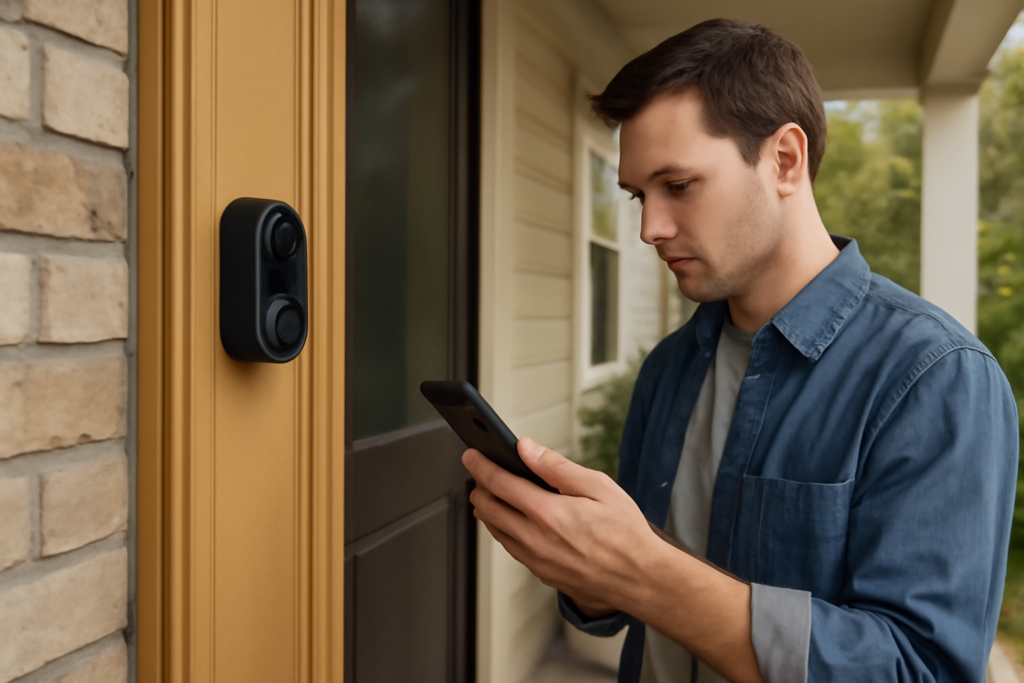
Smart doorbells have become a near-standard home upgrade, and the Aqara Video Doorbell G4 stands out for a rare combination of features: broad smart-home platform support, no mandatory subscription, and the flexibility to run on batteries or existing doorbell wiring. If you have been frustrated by cameras that lock every useful feature behind a monthly fee, the G4 deserves a close look before you commit to a competing brand.
Part of our Windows & Doors guide — explore the full guide →
- What Makes the Aqara Video Doorbell G4 Different
- Key Specifications
- Battery or Wired: Which Should You Choose?
- Setting Up the G4
- Living With It Day to Day
- How It Compares on Cost
- Limitations Worth Knowing
- Face Recognition and Local AI in Practice
- Weather, Placement, and Wi-Fi Tips
- Who Should Buy the Aqara Video Doorbell G4
What Makes the Aqara Video Doorbell G4 Different
Most popular video doorbells push you toward a cloud subscription to review recorded clips. The G4 flips that model. It stores footage locally on a microSD card inserted into its indoor chime hub, and it works with Apple HomeKit Secure Video, Google Home, Amazon Alexa, and IFTTT. That means you can view a live feed and recorded events across ecosystems without paying Aqara a recurring fee, which over a few years can save hundreds of dollars compared to subscription-first rivals.
The doorbell also includes AI-based detection that runs locally, recognizing people and, notably, familiar faces. It can announce who is at the door and trigger custom automations, such as turning on porch lights when a specific person arrives. For households already invested in the Aqara ecosystem of sensors and hubs, the G4 slots in as another automation trigger rather than a standalone gadget.
Key Specifications
- Resolution: 1080p Full HD video with a wide field of view suited to seeing packages on the ground.
- Power: Runs on six AA batteries or hardwires to an existing 16-24V AC doorbell transformer.
- Storage: Local microSD in the included chime hub, plus optional HomeKit Secure Video via iCloud.
- Connectivity: 2.4GHz Wi-Fi through the indoor chime, which relays to the doorbell.
- Detection: Local AI person detection, face recognition, and package awareness.
- Two-way audio: Talk to visitors from your phone, and use pre-recorded voice messages.
Battery or Wired: Which Should You Choose?
The G4’s dual power capability is one of its strongest selling points. Battery mode makes it a true no-wiring install for apartments, homes without existing doorbell wiring, or renters who cannot modify wiring. Six AA batteries typically last two to four months depending on traffic and weather, and the doorbell will alert you when they run low.
Wired mode connects to a standard 16-24V AC transformer, the same low-voltage circuit that powered your old mechanical chime. Hardwiring keeps the batteries topped up as a backup and means you never worry about swapping cells. If you have functioning doorbell wiring, wiring it in is the more convenient long-term choice. If not, battery mode gets you running in minutes with no electrical work.
Setting Up the G4
Installation is straightforward and rarely takes more than 30 minutes. The process centers on the Aqara Home app, which walks you through each step.
- Plug in the chime hub indoors near your Wi-Fi router. This unit does the heavy lifting for connectivity and storage.
- Insert a microSD card (up to the supported capacity) into the chime for local recording.
- Mount the doorbell. Use the included bracket, and add the angled wedge if your porch geometry needs the camera aimed toward the walkway.
- Pair in the app by scanning the QR code and following the prompts to join your 2.4GHz network.
- Link to your smart-home platform. Add it to HomeKit, Google Home, or Alexa for cross-device viewing and automations.
Living With It Day to Day
In daily use, the G4 sends a push notification when it detects a person or a ring. Because detection runs locally, alerts tend to arrive quickly, and you can fine-tune sensitivity zones to ignore a busy sidewalk. The face-recognition feature is genuinely useful once trained: the chime can announce a family member by name, which doubles as a subtle security cue when an unrecognized person is at the door.
Two-way talk works well for telling a delivery driver where to leave a package, and the pre-recorded quick replies are handy when you cannot speak. Night vision handles typical porch lighting, and the wide vertical field of view means you can actually see packages sitting on the doormat rather than just a visitor’s face.
How It Compares on Cost
The G4 typically retails around $100 to $130, in line with mid-range competitors. The real savings show up over time. A subscription-based doorbell might add $30 to $60 per year for cloud recording; the G4’s local storage and free HomeKit Secure Video option (which uses your existing iCloud storage) eliminate that recurring cost. Over three to five years, choosing the G4 can save $100 to $300 compared with a subscription-locked alternative.
Limitations Worth Knowing
- 2.4GHz only: Like most doorbells, it does not use 5GHz Wi-Fi, so a strong 2.4GHz signal at the door matters.
- Chime dependency: The indoor chime hub is required; the doorbell relays through it rather than connecting directly to your router.
- 1080p, not 2K: Resolution is solid but not the highest available if you want to zoom into fine detail.
- App learning curve: The Aqara Home app is feature-rich, which can feel busy compared to simpler single-purpose apps.
Face Recognition and Local AI in Practice
The face-recognition feature deserves a closer look because it is one of the G4’s signature capabilities and it runs entirely on the device rather than in the cloud. You train it by tagging faces it captures over the first days of use, building a library of familiar people. Once trained, the chime can announce a name when a recognized person approaches, and you can build automations around specific individuals, such as a porch light that only turns on for a family member arriving after dark.
Because the processing is local, your video and face data are not being uploaded to a company server for analysis, which is a meaningful privacy advantage over some competitors. The trade-off is that recognition accuracy improves with training and good lighting; a poorly lit porch or an unusual camera angle reduces reliability. Mounting the doorbell at a height that captures faces straight-on, roughly four feet off the ground, and adding a porch light noticeably improves both recognition and general video quality.
Weather, Placement, and Wi-Fi Tips
For the best experience, pay attention to placement and network conditions. The G4 is designed to handle typical outdoor conditions, but like any electronic doorbell it performs and lasts longer under a porch overhang than in direct rain and harsh sun. If your entry is fully exposed, the included mounting hardware and angle wedges help aim the camera correctly while keeping it as protected as possible.
Wi-Fi is the other make-or-break factor. The doorbell communicates through the indoor chime hub, so place that hub where it gets a strong signal from your router while still being within range of the doorbell. Thick exterior walls, brick, and stucco all attenuate the signal, so a home with a distant front door may benefit from a mesh Wi-Fi node near the entry. A weak connection is the most common cause of delayed notifications or missed clips, and it is almost always fixable by improving signal to the hub rather than replacing the doorbell.
Who Should Buy the Aqara Video Doorbell G4
The G4 is an excellent fit for homeowners who want a capable video doorbell without a monthly bill, especially Apple users who can lean on HomeKit Secure Video, and anyone already building an Aqara or multi-platform smart home. Its battery-or-wired flexibility removes the biggest installation barrier, and local storage plus on-device face recognition give it a privacy and cost advantage over subscription-first brands.
If you demand 2K clarity or want the deepest professional monitoring integration, look at higher-end options. But for the majority of households, the Aqara Video Doorbell G4 delivers the features that matter, avoids the ongoing fees that quietly inflate the cost of ownership, and integrates cleanly with whatever smart-home platform you already use. It is one of the smarter value picks in the category right now.


