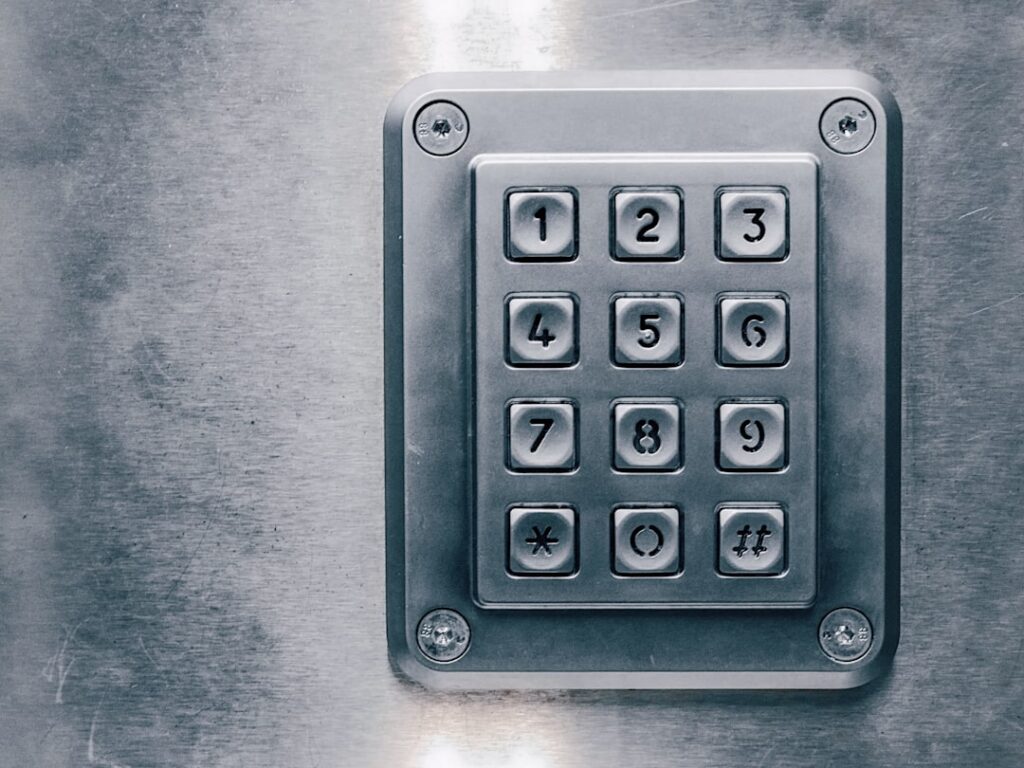
The eufy smart lock c33 is an affordable fingerprint-and-keypad deadbolt that adds keyless entry and built-in Wi-Fi to your front door for around $130 to $160. It replaces your existing single-cylinder deadbolt entirely, giving you five ways to get in: fingerprint, PIN code, app, physical key and voice assistant. This guide covers what it offers, how to install it, and whether it is the right smart lock for you.
- What Makes the C33 Stand Out
- Entry Methods
- What Is in the Box
- Compatibility and Door Prep
- Step-by-Step Installation
- Battery Life
- Security Features
- Smart Home and App
- How the Fingerprint Sensor Works
- Setting Up Auto-Lock and Away Modes
- Voice Control Scenarios
- Common Issues and Fixes
- How the C33 Compares to Other Eufy Locks
- Managing Users and Guest Codes
- Weather Resistance and Durability
- Battery Management Tips
- Is the C33 Worth It?
What Makes the C33 Stand Out
Eufy’s biggest draw is value. The C33 packs a 0.3-second fingerprint scanner, integrated 2.4 GHz Wi-Fi (no separate bridge needed), and IP65 weather resistance into a lock that undercuts most name-brand competitors. It stores up to 100 fingerprints and generates temporary codes for guests, all managed in the eufy Security app.
Entry Methods
- Fingerprint: Scan a stored finger for near-instant unlock.
- Keypad PIN: Enter a 4 to 8 digit code; scramble mode hides your real digits behind random ones.
- App: Lock, unlock and monitor status remotely over Wi-Fi.
- Physical key: A traditional keyway serves as backup.
- Voice: Works with Amazon Alexa and Google Assistant for status checks and locking.
What Is in the Box
The kit includes the exterior keypad assembly, the interior thumb-turn housing, a mounting plate, a strike plate, two physical keys, mounting hardware and AA batteries. Everything you need for a standard door comes in the box, so you rarely need extra parts unless your door is unusually thick or thin.
Compatibility and Door Prep
The C33 fits standard US doors 1.35 to 1.77 inches thick with a backset of 2-3/8 or 2-3/4 inches and a standard 2-1/8 inch bore hole. If you are replacing an existing deadbolt, your door is almost certainly already prepped. New installs on an undrilled door require boring the holes with a lock installation kit first.
Step-by-Step Installation
- Remove the old deadbolt: Unscrew the interior plate, pull both halves off, and remove the latch and strike plate.
- Install the new latch: Slide the eufy latch into the edge bore with the beveled side facing the door frame, then screw it in.
- Mount the exterior keypad: Feed the connector cable through the bore hole and hold the keypad in place, making sure the tailpiece engages the latch.
- Attach the mounting plate: On the interior side, secure the metal mounting plate with the through-bolts.
- Connect and seat the interior unit: Plug in the ribbon cable, then hang the thumb-turn housing on the plate and screw it down.
- Install batteries: Insert the AA batteries and replace the cover.
- Calibrate and connect: Open the eufy Security app, add the device, run the auto-calibration, and join your 2.4 GHz Wi-Fi.
Plan on 20 to 30 minutes with just a Phillips screwdriver for a straightforward deadbolt swap.
Battery Life
The C33 runs on four AA batteries rated for roughly three to four months of typical use, or longer with Wi-Fi usage tuned down. A USB-C emergency port on the exterior keypad lets you jump the lock with a power bank if the batteries die while you are outside. The app pushes low-battery alerts so you can swap cells before a lockout.
Security Features
- Scramble PIN: Random decoy digits appear so onlookers cannot read your code from smudges or shoulder-surfing.
- Auto-lock: Re-locks after a set delay so you never forget.
- Activity log: Timestamped entries show who came and went and by which method.
- Encrypted storage: Fingerprints are stored on-device, not in the cloud, and the app uses AES encryption.
Smart Home and App
The eufy Security app manages users, codes and schedules, and it ties into Alexa and Google Assistant for voice commands and routines like locking every door at bedtime. Note that HomeKit and Matter are not supported on the C33, so Apple Home users should look at a different eufy model or brand. Guest codes can be one-time, recurring or time-boxed, which is handy for cleaners and short-term guests.
How the Fingerprint Sensor Works
The C33’s capacitive fingerprint reader captures the ridges of your finger and matches them against stored templates in about 0.3 seconds. For reliable reads, enroll each finger several times at slightly different angles and pressures during setup, and register a backup finger from your other hand. The sensor performs best on clean, dry skin; very dry, wet or cut fingertips can misread, which is why the keypad and app backups matter. Fingerprints are stored locally on the lock, not uploaded to the cloud, which is both a privacy and a speed advantage.
Setting Up Auto-Lock and Away Modes
Auto-lock is one of the C33’s most useful settings. In the app you can set the deadbolt to re-lock automatically after a chosen delay, commonly 10 to 60 seconds, so you never leave the door unlocked. Pair this with a schedule and you can have the door auto-lock every night at a set time. The one-touch locking on the exterior keypad also lets you secure the door instantly as you leave. Just confirm the strike plate is aligned so the motorized bolt throws fully; a misaligned strike is the top cause of auto-lock failures.
Voice Control Scenarios
With Alexa or Google Assistant linked, you can ask whether the door is locked and command it to lock by voice, which is handy at bedtime from across the house. For security reasons, unlocking by voice typically requires a spoken PIN, and the C33 does not support unlocking through voice as freely as locking. You can also fold the lock into routines, such as a goodnight routine that locks the door, turns off lights and lowers the thermostat together. Note again that the C33 skips HomeKit and Matter, so Apple Home users should verify compatibility before buying.
Common Issues and Fixes
- Won’t calibrate: The latch may bind; loosen the through-bolts slightly and confirm the door closes freely.
- Wi-Fi won’t connect: The lock needs 2.4 GHz; separate your router bands or use a guest network on that band.
- Fingerprint misreads: Re-enroll the finger from several angles and keep the sensor clean and dry.
- Motor struggles: A misaligned strike plate is the usual cause; enlarge the strike opening slightly so the bolt throws freely.
How the C33 Compares to Other Eufy Locks
Eufy sells several smart locks, and the C33 sits in the value tier. The pricier C34 and the Video Smart Lock models add a built-in camera, a wider palm-vein or advanced fingerprint reader, or HomeKit support. The C33’s advantage is that it delivers the essentials, fingerprint, keypad, app and built-in Wi-Fi, without the premium price of camera-equipped models. If you want to see who is at the door from the lock itself, step up to a video model; if you simply want fast keyless entry with remote control, the C33 covers it for less.
Managing Users and Guest Codes
The eufy Security app makes it easy to hand out access without copying keys. You can enroll up to 100 fingerprints and create numerous PIN codes, then assign each to a person. Codes come in three flavors: permanent for household members, scheduled for recurring visitors like a weekly cleaner, and one-time or time-limited for a delivery or a weekend guest. Every entry logs the method and timestamp, so you always know who came and went. Revoking a code is instant, which beats re-keying a lock after a guest leaves.
Weather Resistance and Durability
The C33 carries an IP65 rating, meaning it resists dust fully and withstands water jets from any direction, so it holds up on an exterior door exposed to rain and snow. The operating temperature range covers roughly -4°F to 158°F, suitable for most US climates. For doors under a covered porch the rating is more than adequate; for a fully exposed door in a harsh climate, a storm door or overhang still helps prolong the electronics and keypad life. Keep the fingerprint sensor free of ice and grime for reliable reads.
Battery Management Tips
- Use quality alkaline AAs: Cheap batteries drain fast and can leak; lithium AAs last longer in cold weather.
- Watch the app alerts: Swap batteries at the first low warning rather than waiting for a lockout.
- Know the USB-C backup: If batteries die while you are outside, touch a USB-C power bank to the exterior port to power the keypad and enter your code.
- Keep a physical key handy: Store the backup keys somewhere off-site, not inside the locked home.
Is the C33 Worth It?
For budget-minded homeowners who want fingerprint entry and remote control without buying a separate hub, the C33 is one of the best values available. Its main limitations are the lack of HomeKit and Matter and a modest battery life, but the built-in Wi-Fi, weather resistance and five entry methods make it a strong pick for standard front doors.
In short, the eufy smart lock c33 combines fast fingerprint access, keypad codes, app control and a backup key in an easy 30-minute deadbolt install. Confirm your door dimensions, run the app calibration, use scramble mode and auto-lock, and keep spare AA batteries on hand for reliable, affordable keyless entry.