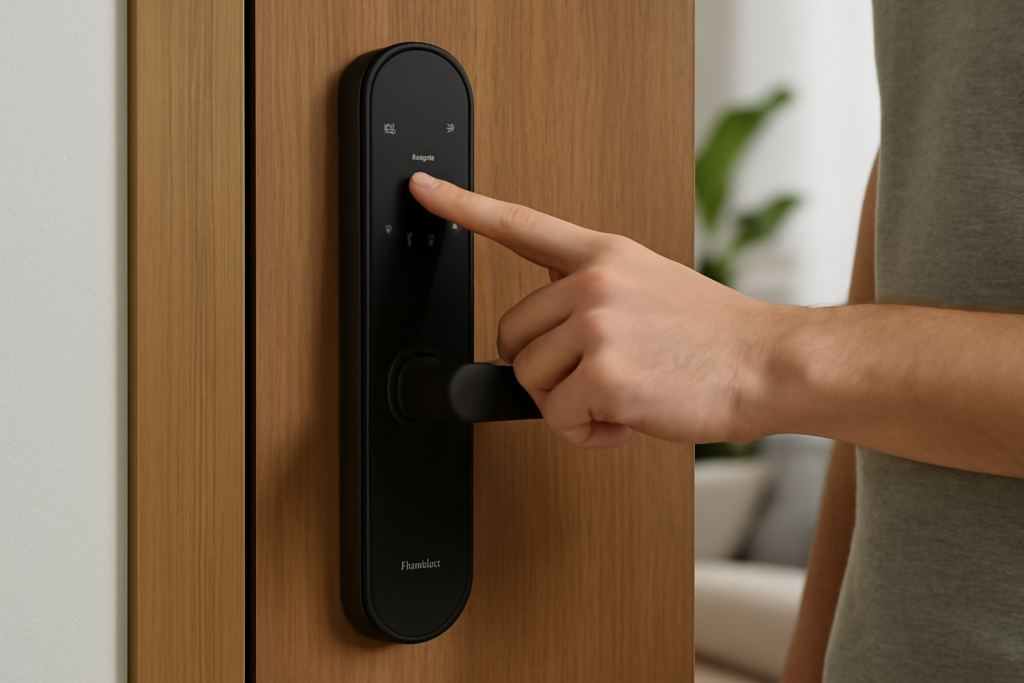
An Aqara smart lock turns an ordinary deadbolt into a keyless entry system you can open with a fingerprint, a code, your phone, or your voice — often without replacing the hardware on the outside of your door. If you want smart-home entry that fits Apple Home, Alexa, and Google without a subscription, the Aqara smart lock family is one of the strongest values on the market.
This guide covers the models, how to know if one fits your door, the retrofit versus full-replacement decision, and a step-by-step install.
- The Aqara Smart Lock Lineup
- Retrofit or Full Replacement?
- Will It Fit Your Door? Measure First
- Safety and Mechanical Retrofit Notes
- Step-by-Step Installation
- Setup, App, and Entry Methods
- Hub Requirements and Smart-Home Integration
- Battery Life and Maintenance
- Guest Access and PIN Management
- Weather and Durability
- What to Check Before You Buy
- Is an Aqara Smart Lock Worth It?
The Aqara Smart Lock Lineup
Aqara makes several distinct locks, and they solve different problems:
- Aqara Smart Lock U100, about $190. A full deadbolt replacement with a fingerprint reader, keypad, Apple home key (tap your iPhone or Watch), and a physical key backup. HomeKit, Alexa, and Google compatible.
- Aqara Smart Lock U200, about $250. A retrofit lock — it replaces only the interior thumb-turn and adds an exterior keypad with NFC and Apple home key, keeping your existing exterior hardware and keys.
- Aqara Smart Lock U50 and U300, newer models expanding the range with different form factors and battery life.
The key split is retrofit versus replacement, and that choice depends entirely on your existing deadbolt.
Retrofit or Full Replacement?
A retrofit lock like the U200 mounts over the inside of your existing deadbolt and motorizes the thumb-turn. Your outside key and hardware stay put, so tenants, roommates, and anyone with a physical key are unaffected. This is the least invasive option and the fastest to reverse — ideal for renters, provided the landlord allows it.
A full-replacement lock like the U100 swaps the entire deadbolt, inside and out. You get a sleeker exterior keypad and fingerprint reader, but you also replace the exterior cylinder, so old keys stop working. Choose replacement when you want the cleanest look and integrated exterior biometrics, and retrofit when you want to keep existing keys or avoid drilling.
Will It Fit Your Door? Measure First
Before buying, check these dimensions against the spec sheet for your chosen model:
- Door thickness. Most Aqara locks fit standard 1-3/8 in to 1-3/4 in (35-45 mm) doors. Thicker or thinner doors may need an adapter or may not work.
- Backset. The distance from the door edge to the center of the bore hole, typically 2-3/8 in or 2-3/4 in. Aqara’s adjustable latch covers both.
- Cross-bore diameter. The large hole for the deadbolt is usually 2-1/8 in (54 mm).
- For retrofits, confirm your existing deadbolt is a standard single-cylinder type with a thumb-turn the adapter can grip. Aqara includes several tailpiece adapters, but oddly shaped or heavy commercial deadbolts may not fit.
Measure twice. A door that is out of square or a deadbolt that binds when you turn the key by hand will cause the motor to jam, so fix any mechanical stiffness before adding the smart lock.
Safety and Mechanical Retrofit Notes
No high-voltage wiring is involved — Aqara locks run on rechargeable or replaceable batteries — so the risks here are mechanical, not electrical. The main cautions:
- Test the deadbolt manually first. If it drags, sticks, or needs a shoulder to close, the strike plate or latch is misaligned. A motor cannot muscle through a binding bolt, and forcing it shortens battery life or strips the drive. Adjust the strike plate so the bolt throws smoothly by hand.
- Keep a physical or emergency backup. Replacement models include physical keys; note where you store them. Retrofit models leave your existing key in play. Keep batteries fresh and know the low-battery jump-start method (some models accept a USB-C power bank at the exterior contacts).
- Don’t overtighten. Interior mounting plates seat with hand-tight screws. Cranking them can warp the housing and bind the mechanism.
Step-by-Step Installation
A retrofit takes 20 to 30 minutes; a full replacement takes 30 to 60. Only a Phillips screwdriver is usually needed.
- Retrofit path: Remove the two screws holding your existing interior thumb-turn plate. Fit the correct tailpiece adapter over the deadbolt’s turn stem, mount Aqara’s baseplate, then click the smart unit on. Add the exterior keypad on the door surface or nearby frame per the guide.
- Replacement path: Remove the entire old deadbolt — interior plate, exterior cylinder, and the latch in the door edge. Slide in Aqara’s adjustable latch, set the exterior keypad/fingerprint unit with its cable through the bore, then attach the interior body and connect the ribbon cable.
- Install the batteries and power the lock.
- Test the bolt ten times manually and by app to confirm it throws fully without straining.
Setup, App, and Entry Methods
Download the Aqara Home app, scan the lock’s QR code, and add it. During setup you calibrate the lock so it learns the fully locked and unlocked positions — do not skip this, since it prevents jams. Then enroll your entry methods:
- Fingerprint (on models with a reader) — register several angles of each finger for reliable reads.
- PIN codes — issue permanent codes for family and temporary or one-time codes for guests, cleaners, or deliveries.
- Apple home key / NFC — tap an iPhone or Apple Watch to unlock, no app needed.
- App and voice — unlock from the app or via Siri, Alexa, or Google Assistant.
Hub Requirements and Smart-Home Integration
Many Aqara locks use Bluetooth for local control but need a hub for remote access and full HomeKit, Alexa, or Google integration. If you already own an Aqara hub (like the M2 or a Hub M3, which doubles as a Thread border router), remote lock/unlock and auto-away routines light up. Without a hub, you still get local Bluetooth control at the door but lose remote features. Factor a hub into your budget if you want to lock the door from the office.
Battery Life and Maintenance
Expect roughly 6 to 12 months per charge or battery set depending on usage and whether the fingerprint reader wakes often. The app sends low-battery alerts well ahead of failure. Clean the fingerprint sensor occasionally with a dry cloth, and recheck strike-plate alignment seasonally, since wood doors swell and shrink and a tight bolt is the top cause of motor strain.
Guest Access and PIN Management
One of the biggest reasons to go keyless is flexible access. In the Aqara Home app you can issue permanent PINs for household members, recurring codes for a weekly cleaner or dog walker, and one-time or time-limited codes for a contractor or Airbnb guest that expire automatically. Every entry is logged with a timestamp and the method used, so you can see exactly when the kids got home from school or when a delivery arrived. Some models support a duress or anti-peep feature — enter random digits before or after your real PIN to foil anyone watching over your shoulder, and the lock still opens.
Weather and Durability
For exterior keypads and fingerprint readers, check the ingress-protection rating. Aqara’s outdoor-rated locks and keypads typically carry an IP-rated weather seal (often IPX5 or better) so rain and splashing won’t kill them, but full replacement locks in exposed, unsheltered doorways face the harshest conditions. A storm door or a small overhang extends the life of any exterior electronics. In very cold climates, fingerprint readers can struggle to read a cold, dry fingertip, so having PIN and Apple home key as backups matters. Metal exterior hardware also gets hot in direct summer sun, which is normal and won’t harm the electronics.
What to Check Before You Buy
- Door thickness and backset fall within the model’s spec.
- Your deadbolt throws smoothly by hand (fix binding first).
- Whether you need a hub for remote and voice control, and if you already own a compatible one.
- For retrofit models, that your existing deadbolt is a standard single-cylinder thumb-turn type.
- Which entry methods you actually want — fingerprint, keypad, NFC/home key, app — since models differ.
- Weather exposure of the door and whether an outdoor-rated model is required.
Is an Aqara Smart Lock Worth It?
For a keyless, subscription-free lock that fits Apple Home cleanly and offers fingerprint plus code entry, the Aqara smart lock is hard to beat under $250. Renters and key-keepers should lean toward the U200 retrofit; homeowners wanting integrated exterior biometrics should choose the U100 replacement. Measure your door, make sure the deadbolt throws smoothly by hand, and budget for a hub if you want remote control — do that, and installation is a straightforward afternoon job.