Keys get lost, copied, and left under doormats where any burglar knows to look. A Yale smart lock replaces that vulnerable metal key with a PIN code, a smartphone, or a fingerprint, letting you lock and unlock your door from anywhere and hand out access without cutting a single spare. Yale has been making locks since 1840, and its smart lineup pairs that hardware pedigree with modern connectivity. If you are considering an upgrade, understanding the models, how they connect, and what installation involves will help you choose confidently and set it up right the first time.
Why Choose a Smart Lock
The appeal goes well beyond gadget novelty. A smart lock solves real daily headaches: you can let a dog walker in remotely, give the kids their own codes instead of keys, and check from bed whether you actually locked up. Many models auto-lock after a set delay, so you never leave the door open by accident.
There is a security upside too. Keyless entry means no key to be copied or bumped, and you can revoke a code the instant a house cleaner stops working for you. Combined with a video doorbell or camera, a smart lock becomes part of a genuinely useful home security setup.
The Yale Model Lineup
Yale offers several families of smart locks, and choosing the right one starts with how you want to enter and which smart-home platform you use. Here is the general landscape.
- Yale Assure Lock 2: The flagship deadbolt line, available as a touchscreen keypad, a push-button keypad, or a key-free version. Slim, modern, and highly configurable.
- Yale Assure Lock 2 Touch: Adds a fingerprint reader for the fastest keyless entry.
- Yale Approach: A retrofit device that mounts over your existing interior deadbolt thumb-turn, keeping your current keys while adding app control.
- Yale keypad and lever models: Options for interior doors and situations where a lever suits better than a knob.
Many Assure Lock 2 models use a swappable connectivity module, so you can change how the lock talks to your network without buying a whole new lock.
Connectivity Options Explained
How the lock connects determines what smart features you get, and this is where buyers get confused. The Assure Lock 2 uses interchangeable modules so you can match it to your ecosystem.
- Wi-Fi module: Connects directly to your home network for remote control from anywhere, no hub required.
- Z-Wave or Zigbee module: Links to a smart-home hub like SmartThings or Ring for integration with other devices.
- Bluetooth (built in): Works within range of your phone for auto-unlock as you approach, but no remote access on its own.
- Matter and Apple Home Key: Newer modules add Matter support and, on select models, the ability to tap your iPhone or Apple Watch to unlock.
If remote access matters to you, choose Wi-Fi or a hub-based module; Bluetooth alone limits you to the vicinity of your door.
Installing a Yale Smart Lock
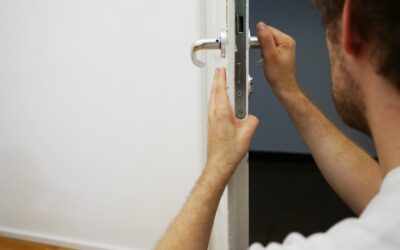
Installing an Assure Lock 2 is a genuine DIY project that most homeowners finish in 30 to 45 minutes with only a screwdriver. It replaces a standard deadbolt and fits doors 1-3/8 to 1-3/4 inches thick with a common backset.
Remove your old deadbolt, keeping the existing strike plate if it is in good shape. Slide in the new latch, making sure the bolt orientation is correct, then mount the exterior keypad and thread the connecting cable through the door bore. Attach the interior assembly, connect the cable, and install the batteries. From there the Yale Access app walks you through pairing, calibrating the lock so it learns the locked and unlocked positions, and creating your first access codes. If you chose the Yale Approach retrofit, installation is even simpler since it clamps over your existing interior deadbolt and leaves the exterior untouched.
Key Features Worth Knowing
Beyond basic locking, these locks pack features that change how you use your front door day to day.
- Auto-lock and auto-unlock: Relocks after a set time and can unlock as your phone approaches.
- Guest and temporary codes: Issue codes that work only on certain days or times, then expire.
- Activity log: See who entered and when, straight from the app.
- Voice control: Lock the door with Alexa, Google Assistant, or Siri once linked.
- Tamper and low-battery alerts: Get a phone notification before the batteries die or if someone tampers with the lock.
Battery Life and Backup
Yale smart locks run on standard AA batteries, typically four of them, lasting roughly six to twelve months depending on use and connectivity. Wi-Fi models drain faster than Bluetooth-only ones because they maintain a constant network connection. The app warns you well before the batteries give out.
Should the batteries die completely, key-free models include emergency 9-volt terminals on the exterior; touch a fresh 9-volt battery to the contacts to power the lock long enough to enter your code. Keypad-plus-key versions simply let you use the physical key as backup. Either way, you are never locked out.
Security Considerations
A smart lock is only as secure as its weakest link, so a few practices matter. Choose a unique PIN that is not a birthday or address, enable two-factor authentication on your Yale Access account, and keep the lock’s firmware updated through the app, since updates patch vulnerabilities. Delete guest codes as soon as they are no longer needed.
Physically, the deadbolt hardware carries the same certification ratings as traditional locks, and many Assure models meet a strong grade for residential security. The smart features add convenience without weakening the mechanical strength of the bolt itself.
Yale Access App and Smart-Home Integration
The Yale Access app is the command center for the lock, and it does far more than lock and unlock. From your phone you create and delete access codes, set schedules that grant a housekeeper entry only on certain weekdays, review a timestamped log of every entry, and receive alerts when specific people come and go. The app also pushes firmware updates that keep the lock secure over its life.
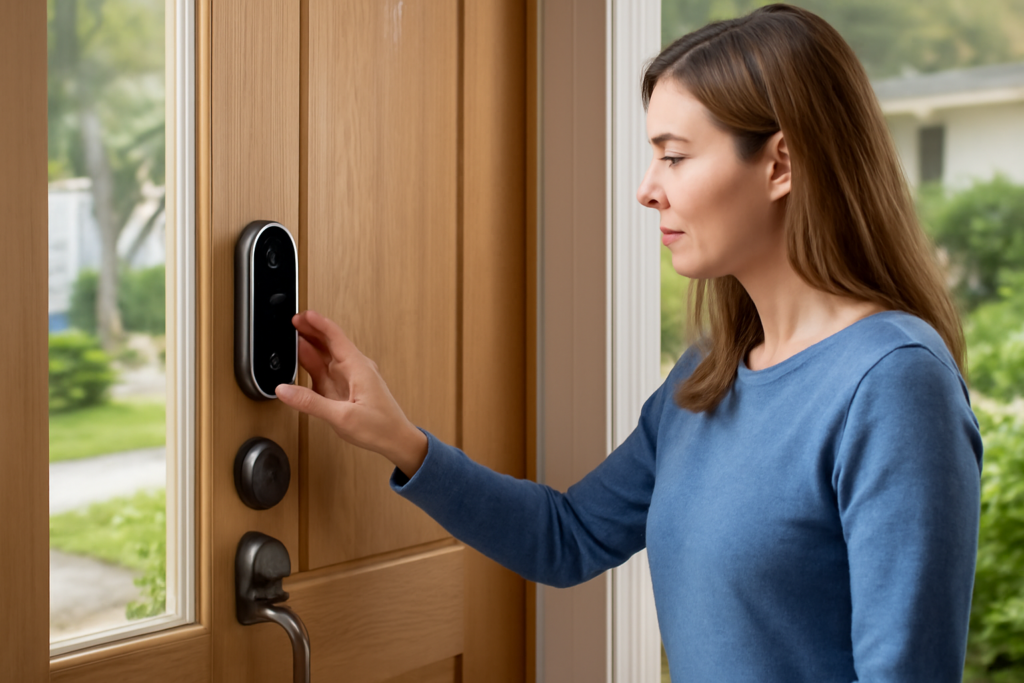
Where the lock really earns its place is inside a broader smart-home system. With the right connectivity module, a Yale lock links to Amazon Alexa, Google Home, Apple Home, Samsung SmartThings, and Ring, letting you build routines such as locking the door and arming a camera with a single voice command at bedtime. Some setups let a video doorbell unlock the door for a recognized guest, or turn on entry lights automatically when the lock opens after dark. Matter support on newer modules future-proofs the lock so it can work across platforms as the standard matures.
Common Setup Problems and Fixes
Most trouble with a new install traces to a handful of easily solved issues. If the lock jams or the motor strains, the deadbolt is usually binding against a misaligned strike plate; the fix is to enlarge or realign the strike hole so the bolt throws smoothly by hand before the motor ever has to force it.
- Lock will not calibrate: Make sure the door is closed and the bolt moves freely by hand, then rerun calibration so the lock learns its true locked and unlocked positions.
- Wi-Fi keeps dropping: Confirm your router broadcasts a 2.4 GHz band, which smart locks require, and that the signal reaches the door; add a mesh point if it is weak.
- Auto-unlock not triggering: Enable location and Bluetooth permissions for the app and leave both on, since auto-unlock relies on your phone’s position.
- Fast battery drain: A binding bolt makes the motor work harder every cycle; fix the alignment and the batteries last far longer.
Is It Right for Your Home?
If you value remote access, hate hiding spare keys, or want to grant and revoke entry on the fly, a Yale smart lock earns its keep quickly. The Assure Lock 2 line suits most front doors, the Touch version wins for fingerprint speed, and the Approach retrofit is the low-commitment choice if you want to keep your existing keys. Match the connectivity module to your smart-home platform, install it in an afternoon, and you will wonder how you ever managed with a jingling ring of keys.