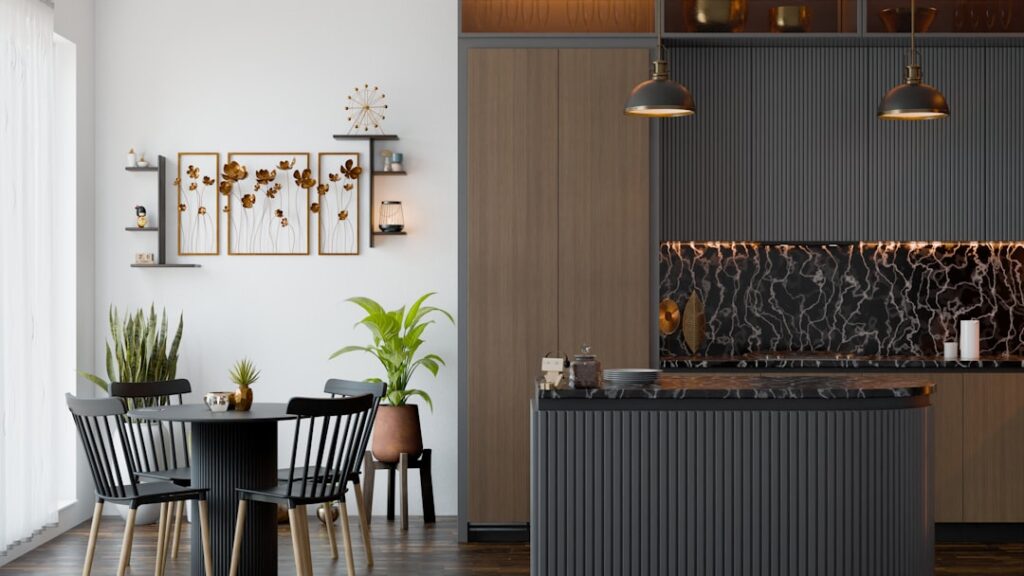
Committing thousands of dollars to a cabinet color from a two-inch paint chip is a leap of faith few people enjoy. A kitchen cabinet visualizer upload photo tool removes that guesswork by letting you snap a picture of your own kitchen and preview new cabinet colors, door styles, or finishes right on the real space. Instead of imagining how sage green or walnut would look, you see it on your cabinets, your counters, your lighting. Learning how these tools work and how to feed them a good photo turns a nerve-wracking decision into a confident one.
- What a Cabinet Visualizer Does
- Why Uploading Your Own Photo Matters
- How to Take a Photo That Works
- Using the Results Wisely
- Popular Types of Visualizer Tools
- Common Limitations to Expect
- Free Versus Paid Visualizer Tools
- Beyond Color: Visualizing Style and Hardware
- Turning Previews Into a Real Plan
- Making Your Final Decision
What a Cabinet Visualizer Does
A cabinet visualizer is a software tool, usually a website or app, that overlays different cabinet colors and styles onto an image of a kitchen. The most useful versions let you upload a photo of your actual kitchen, then digitally repaint or replace the cabinets so you can compare options side by side. Some tools use manufacturer color libraries so the previews match real, orderable finishes, while others offer generic palettes for inspiration.
The technology ranges from simple masking tools, where the cabinets are recolored, to advanced AI-driven visualizers that can swap door styles and hardware. Either way, the goal is the same: help you see the result before spending a dime on paint or new cabinetry.
Why Uploading Your Own Photo Matters
Preset showroom images are pretty, but they do not show your kitchen. Uploading your own photo is what makes a visualizer genuinely decision-grade, because color reads completely differently depending on the room’s light, wall color, flooring, and counters. A green that looks calming in a bright studio shot might turn drab under your warm kitchen bulbs, and only your own photo reveals that.
Your photo also captures context the tool cannot invent: the backsplash you are keeping, the appliances, the flooring tone. Seeing a proposed cabinet color next to those fixed elements tells you whether the whole palette works together, which is the entire point of visualizing before buying.
How to Take a Photo That Works
Garbage in, garbage out applies to visualizers. A clear, well-lit, straight-on photo gives the software clean edges to work with and produces a believable preview. A dim, cluttered, angled snapshot yields messy results the tool struggles to mask.
- Shoot in daylight: Open blinds and turn on all lights for even, true-color illumination.
- Face the cabinets squarely: Stand back and shoot straight on rather than at a steep angle.
- Declutter the counters: Clear small appliances and clutter so cabinet edges read cleanly.
- Get the whole run in frame: Capture uppers and lowers together to judge two-tone ideas.
- Hold steady: A sharp, high-resolution image helps the tool find edges accurately.
Take a few shots from slightly different spots so you have options. The cleaner and brighter the original, the more convincing every color preview will look.
Using the Results Wisely
A visualizer is a powerful starting point, not the final word. Screen colors are only approximate because monitors and phones render hues differently, and the same finish can look warmer or cooler depending on your display. Use the tool to narrow dozens of options down to a shortlist of two or three, then confirm those with physical samples.
Order real paint samples or door samples in your top colors and view them in your actual kitchen at different times of day. The visualizer tells you which directions are worth pursuing; the physical sample confirms the exact shade. Together they give you both breadth and accuracy.
Popular Types of Visualizer Tools
Several categories of tools exist, and knowing the difference helps you pick the right one. Paint manufacturers offer visualizers that let you preview their specific cabinet-and-trim paint colors, which is ideal if you plan to repaint existing cabinets. Cabinet and home-improvement retailers provide tools focused on new cabinetry, letting you swap door styles and finishes. General AI room-design apps can restyle an entire kitchen, useful for broad inspiration.
For a repaint project, a paint-brand visualizer keeps you tied to real, buyable colors. For a full cabinet replacement, a retailer or manufacturer tool that mirrors actual product lines saves you from falling in love with a look you cannot order.
Common Limitations to Expect
Set realistic expectations. Even good visualizers can produce slightly artificial-looking edges, struggle with complex cabinet layouts, or render a finish that differs from the physical product. Wood grain, sheen, and texture are especially hard to simulate, so a matte painted preview may look flatter or glossier than reality. Lighting in the preview may not perfectly match how the finish behaves in person.
None of this makes the tool useless; it makes it a filter. Treat the preview as a strong indication of direction and proportion, then let real samples settle the fine details of tone and sheen before you place any order.
Free Versus Paid Visualizer Tools
Cabinet visualizers span a wide range of price and capability. Many paint manufacturers and retailers offer free web-based tools that let you preview colors on either a stock photo or your uploaded image, which is plenty for narrowing down a color direction. Paid design apps and professional services go further, delivering higher-quality renderings, door-style swaps, and sometimes a full 3D model of your kitchen.
- Free brand tools: Preview specific paint or cabinet colors, ideal for a repaint decision.
- Free AI room apps: Quick restyling for broad inspiration, though accuracy varies.
- Paid design services: Photorealistic renders and layout changes for larger remodels.
For most homeowners choosing a cabinet color, a free tool paired with physical samples is entirely sufficient. Reserve paid services for a full gut renovation where you are also changing the layout and want to see the whole room reimagined before committing tens of thousands of dollars.
Beyond Color: Visualizing Style and Hardware
The best tools let you preview more than just color. Swapping door styles, from a flat slab to a shaker or a raised panel, dramatically changes a kitchen’s character, and seeing that on your own cabinets helps you decide whether a simple repaint will do or whether refacing is worth the cost. Some visualizers also let you test hardware finishes, so you can preview brushed brass pulls against a green cabinet before buying a single knob.
Countertop and backsplash previews add another layer of usefulness. Because these elements interact so strongly with cabinet color, a tool that lets you swap them together shows whether your whole palette harmonizes. Testing the full combination digitally catches clashes that a single-element preview would miss.
Turning Previews Into a Real Plan
Once you have narrowed your options with the visualizer, translate the digital preview into an actionable plan. Note the exact color names and codes the tool references, then order physical samples of those specific products. For a repaint, buy quart-size samples and paint them on poster board you can move around the kitchen. For new cabinets or refacing, request door samples in your finalists.
Bring the whole decision together by taping your top color samples up in the kitchen alongside your countertop and hardware choices, and live with them for several days. Watch how they shift under morning light, afternoon sun, and evening bulbs. This final in-person step, guided by the shortlist your visualizer produced, is what turns an on-screen guess into a confident, lasting choice.
Making Your Final Decision
Used correctly, a kitchen cabinet visualizer upload photo tool takes the fear out of one of a remodel’s biggest choices. Feed it a bright, clean, straight-on photo of your kitchen, explore a wide range of colors and styles, then narrow to a shortlist you confirm with physical samples under your own lighting. That combination of digital exploration and real-world verification lets you commit to a cabinet color with genuine confidence, avoiding the expensive regret of a hue that looked great on a chip but wrong on the wall.