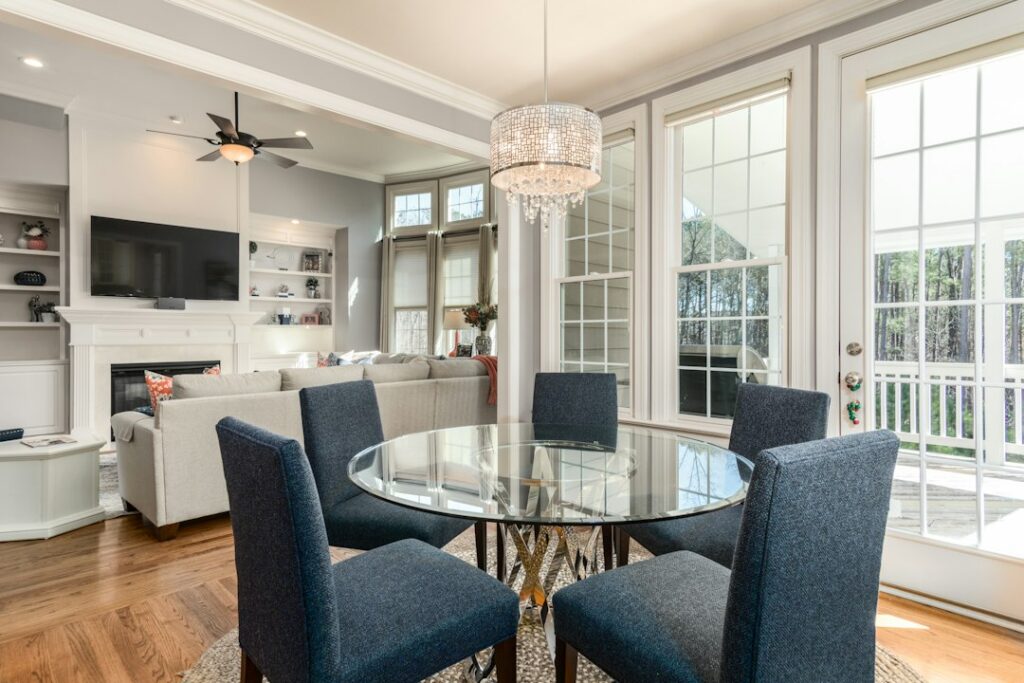
A motorized tv mount moves your screen at the push of a button, swinging it toward the kitchen, dropping it down from above a fireplace, or lifting it out of a cabinet when movie night starts. The appeal is obvious. The catch is that an electric mount combines two things most homeowners rarely deal with together: a heavy moving load on the wall and a powered motor that needs a safe, code-compliant outlet nearby.
Get either part wrong and you end up with a mount that stalls halfway, a cord that gets pinched every cycle, or lag bolts working loose from repeated motion. This guide explains the main types of retractable and electric mounts, how to plan power without hiding cords illegally inside the wall, how to read weight and cycle ratings, and what a sound installation looks like.
- What a Motorized TV Mount Is and How It Differs From Manual Mounts
- Types of Electric and Retractable TV Mounts
- Weight, VESA, and Cycle Ratings
- Power Needs and Outlet Placement
- Tools and Materials
- Step-by-Step Installation Overview
- Structural Safety for Moving Loads
- Troubleshooting a Motorized TV Mount
- Costs and When to Call a Licensed Professional
- Frequently Asked Questions
What a Motorized TV Mount Is and How It Differs From Manual Mounts
A standard articulating arm lets you pull the TV out and angle it by hand. A motorized tv mount does the same job with a gear motor, a control board, and a remote or app. Most use a low-voltage DC motor fed by a plug-in power supply, although some larger lift systems run on line voltage.
That motor adds weight, depth, and complexity. It also adds a duty cycle: most motors are rated to run for a limited time before resting to cool. The payoff is convenience and a cleaner look, especially when the mount lets the TV sit flat against the wall or disappear into furniture when not in use.
Types of Electric and Retractable TV Mounts
Motorized Swivel Wall Mounts
These articulating arms extend out from the wall and rotate, typically 45 to 90 degrees each direction. They suit open-concept rooms where you watch from both a sofa and a kitchen island. Because the arm cantilevers the TV away from the wall, the wall anchoring carries a significant leverage load.
Drop-Down (Pull-Down) Fireplace Mounts
Mounted above a mantel, a drop-down mount lowers the TV to eye level. Electric models use a motor or a gas-spring assist with a motorized release. They solve the neck strain of a TV hung too high but need a solid header or studs and careful heat clearance.
Ceiling Flip-Down Mounts
The TV folds flat against the ceiling and rotates down to viewing position. These attach to ceiling joists or blocking and require the most careful structural planning because the load hangs overhead.
Cabinet Lifts and Pop-Up Mounts
A retractable tv mount of this type raises the screen out of a console, footboard, or countertop. The mechanism sits inside furniture rather than on a wall, so the concern shifts to cabinet strength, ventilation, and clearance for the lid.
Tilt-Only Electric Mounts
The simplest electric tv mount just tilts a screen down a few degrees. Useful for high placements, but less common than swivel or drop-down styles.
Weight, VESA, and Cycle Ratings
Every motorized mount lists a maximum weight and a VESA pattern range. Treat the weight rating as a ceiling, not a target. A TV that weighs close to the maximum will strain the motor on every cycle and shorten its life. Aim for a TV that sits at 70 to 80 percent of the rated load or less.
Check these numbers before buying:
- Max load: the heaviest TV the mount can move, including any soundbar bracket you attach.
- VESA pattern: the hole spacing on the back of your TV, such as 400 x 400 mm, must fall within the mount’s range.
- Screen size range: larger screens may clear the arm but collide with walls or a mantel when swiveling.
- Duty cycle: how long the motor can run before resting, often expressed as a percentage or minutes on and off.
- Cycle rating: the number of full open-close movements the mechanism is tested for. Higher is better for daily use.
- Extension depth: how far the arm reaches out, which affects the leverage on the wall.
A quality motorized tv wall mount will also list obstacle detection or stall protection, which stops the motor if the TV hits something. That feature protects both the TV and anyone standing nearby.
Power Needs and Outlet Placement
This is where many installs go wrong. The motor needs power, and so does the TV. That usually means two plugs behind or near the mount, plus a place for the low-voltage motor cable to travel as the arm moves.
Follow these rules:
- Never run a TV power cord, motor power cord, or extension cord inside the wall. Flexible cords are not permitted to be concealed in wall cavities.
- For a clean look, use a UL-listed in-wall power kit designed for TVs, or have a licensed electrician install a recessed outlet behind the mount.
- Place the outlet where the moving arm will not pinch or crush the plug at any point in its range of motion. A recessed box keeps the plug flush.
- Leave a service loop in the power and signal cords long enough for full extension, and route them through the mount’s cable management clips.
- Use a surge protector rated for the combined load of the TV, motor, and any soundbar.
If you are replacing or relocating an outlet yourself where local rules allow, turn off the breaker and confirm power is off with a non-contact voltage tester before touching any wiring. Adding a new outlet or circuit is work for a licensed electrician, and a permit may be required. Most motorized mounts use a low-voltage power supply that plugs into a standard outlet; the line-voltage side is what needs licensed handling.
Above a fireplace, keep power supplies and cords well away from heat. Check the fireplace manufacturer’s clearance to combustibles, and confirm the wall above the mantel stays within the TV and mount’s operating temperature.
Tools and Materials
- Motorized mount with included hardware and remote
- Stud finder and a small finish nail to confirm stud centers
- 4-foot level
- Drill/driver with bits sized to the lag bolts
- Socket wrench
- Tape measure and pencil
- Painter’s tape for marking hole locations
- A helper for lifting the TV
Step-by-Step Installation Overview
- Plan the viewing height and range. Hold the TV (or a cardboard template) at the intended spot. Swing it through the full range on paper to check for collisions with walls, windows, cabinets, or a mantel.
- Confirm power. Make sure an outlet or in-wall power kit location falls behind the mount and will not be pinched by the arm.
- Locate framing. Find stud centers with a stud finder and confirm with a finish nail. Most wall mounts need two studs, typically 16 inches on center. Ceiling mounts must hit joists or solid blocking.
- Mark and drill pilot holes. Level the wall plate, mark the lag bolt holes, and drill pilot holes to the depth and diameter the instructions specify.
- Anchor the wall plate. Drive the lag bolts until snug. Do not overtighten; stripping the wood reduces holding power.
- Attach the brackets to the TV. Use the correct-length bolts for your TV’s VESA inserts, with spacers if the back is curved or recessed.
- Hang the TV with a helper. Lift the TV onto the arm and install the safety screws or locking pins.
- Route cords. Clip power, HDMI, and the motor cable along the arm with service loops. Run the arm through its full cycle slowly while watching for tight spots.
- Program limits and test. Set any travel limits or presets, then cycle the mount several times and recheck bolts.
Structural Safety for Moving Loads
A moving mount stresses its anchors more than a fixed one. Every extension shifts the center of gravity outward, and every cycle slightly loads and unloads the bolts. Lag into solid wood framing only. Standard drywall anchors are not suitable for motorized arms.
Metal studs, masonry, and plaster walls need specific hardware and often professional installation. Ceiling mounts need joists or added blocking sized for the combined weight of the TV and mechanism. If you cannot confirm what is behind the drywall, or the wall has been furred out with thin strapping, stop and consult a pro. Check the lag bolts a few weeks after install and periodically afterward, since motion can loosen fasteners over time.
Troubleshooting a Motorized TV Mount
The mount stops partway
The TV may be near the weight limit, the obstacle sensor may be triggering, or a cord is snagging. Check the load and cord routing, then reset travel limits.
The remote does not respond
Replace the remote battery, re-pair it per the instructions, and confirm the power supply light is on. An IR remote needs line of sight to the receiver.
The motor overheats or shuts off
You may be exceeding the duty cycle by moving it repeatedly. Let it rest and cool.
The TV drifts or sags when extended
Tighten the tilt and arm tension screws, and confirm the wall plate bolts are snug and in solid framing.
Costs and When to Call a Licensed Professional
Motorized mounts range widely: simple electric tilt or swivel units often cost a few hundred dollars, while drop-down fireplace mounts, ceiling flip-downs, and cabinet lifts can reach well into four figures. Professional installation typically adds a few hundred dollars more, and an electrician’s in-wall outlet adds its own cost depending on access and distance.
Call a licensed electrician for any new outlet, recessed receptacle, or circuit. Bring in an experienced installer or contractor for ceiling mounts, drop-down fireplace mounts, masonry walls, or any case where you cannot confirm solid framing. Permits may apply for electrical work, and HOA or building rules may govern condos and shared walls.
Frequently Asked Questions
Do motorized TV mounts need a special outlet?
Most plug into a standard outlet through a low-voltage power supply. For a clean install, a licensed electrician can add a recessed outlet behind the mount so plugs sit flush.
Can I hide the mount’s power cord inside the wall?
Not with a regular cord. Flexible cords cannot be concealed in the wall. Use a rated in-wall power kit or have an electrician install a recessed outlet.
How much weight can an electric TV mount hold?
It depends on the model. Check the listed maximum load and stay comfortably below it, ideally 70 to 80 percent, so the motor is not strained every cycle.
Is a retractable TV mount safe above a fireplace?
It can be, if heat at the wall stays within the mount and TV operating limits and the mount anchors into solid framing. Check clearances before installing.
How long do motorized TV mounts last?
Many are rated for thousands of cycles. Staying under the weight limit, respecting the duty cycle, and keeping cords free of snags extend their life.