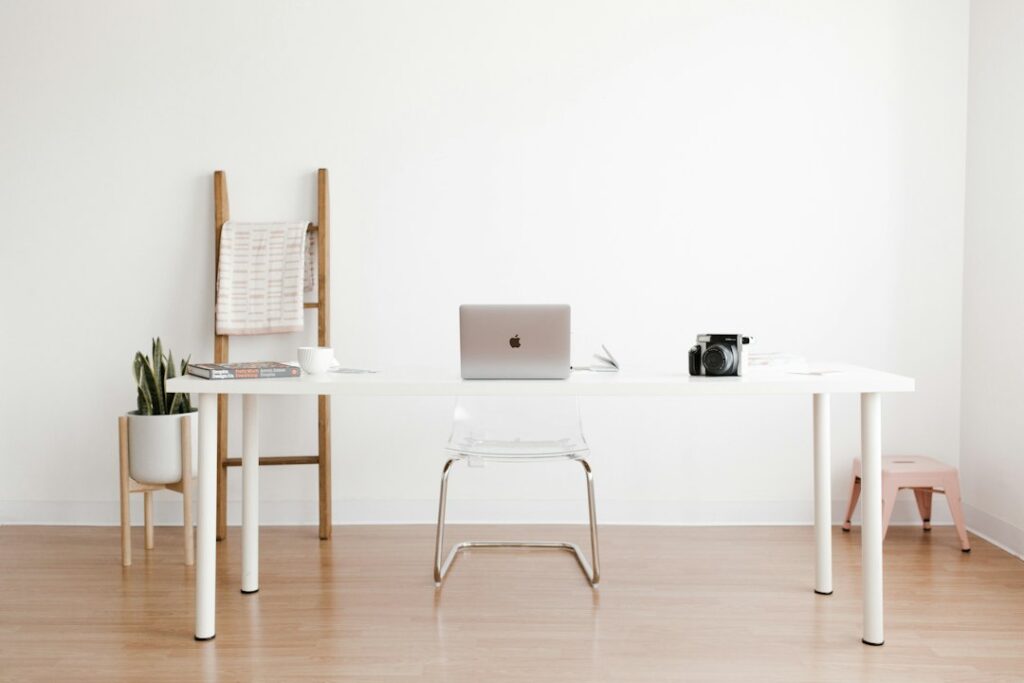
A desk can be the perfect width and still feel wrong every single day if it is too shallow. The standard desk depth for most home and office desks is 24 to 30 inches, with 20 inches common on compact laptop desks and 30 inches the usual choice for large or multiple monitors. Depth decides how far your eyes sit from the screen, and that single distance has more effect on neck and eye comfort than almost any other desk measurement.
As a quick rule, a 20-inch desk suits a laptop, a 24-inch desk suits one monitor up to about 24 inches diagonal, and a 30-inch desk suits 27-inch and larger screens, ultrawide displays and dual-monitor setups. If your room cannot handle a deeper top, a monitor arm or a keyboard tray can recover several inches of viewing distance.
- Why Standard Desk Depth Matters for Monitors
- Desk Depth Matched to Monitor Size
- 20-Inch Desks: Laptops and Tight Spaces
- 24-Inch Desks: The Everyday Default
- 30-Inch Desks: Large Screens and Dual Monitors
- How to Measure the Depth You Need
- Workarounds for Shallow Desks
- Troubleshooting Depth Problems
- Cost Considerations
- When to Call a Pro
- Frequently Asked Questions
Width and height get most of the attention in furniture listings, so depth is often an afterthought until the screen feels like it is in your face. Here is how to match depth to the equipment you actually use.
Why Standard Desk Depth Matters for Monitors
Ergonomic guidance generally puts a computer monitor about an arm’s length away, roughly 20 to 30 inches from your eyes, with larger screens pushed toward the far end of that range. Your eyes sit a few inches behind the desk edge when you lean back in a chair, so desk depth plus seating posture together set the viewing distance.
Subtract the monitor stand’s footprint from the desk depth, too. Many monitor bases are 7 to 10 inches deep, which means the screen itself sits several inches in from the back edge. On a 24-inch desk, a monitor with a deep base may end up only 14 to 16 inches from the front edge. Add the keyboard in front and you can see why a shallow desk feels crowded fast.
The average desk depth sold for home offices is around 24 inches because it balances screen distance with room size. It is a reasonable default, but it is not ideal for every setup.
Desk Depth Matched to Monitor Size
Larger screens need more distance so you can take in the whole image without turning your head. Use these pairings as a starting point.
| Setup | Suggested Depth | Approx. Eye-to-Screen Distance |
|---|---|---|
| Laptop only | 20 to 24 in | 18 to 24 in |
| Single 21 to 24 in monitor | 24 in | 20 to 26 in |
| Single 27 in monitor | 27 to 30 in | 24 to 30 in |
| 32 in or ultrawide monitor | 30 in or more | 28 to 36 in |
| Dual monitors | 28 to 30 in | 24 to 30 in |
A typical desk depth of 24 inches covers the first two rows comfortably. Once you move to a 27-inch screen or larger, a 30-inch top starts to pay off.
20-Inch Desks: Laptops and Tight Spaces
Shallow desks around 20 inches deep work well in hallways, bedrooms and alcoves where every inch of floor counts. They are fine for a laptop because the screen and keyboard are tied together, and you naturally adjust by sliding the laptop forward or back.
The trouble starts when you add an external monitor. On a 20-inch top the screen ends up 12 to 15 inches from the edge, which is too close for most people. If you must use a shallow desk with a monitor, mount the screen on the wall or on an arm so it floats behind the back edge, or choose a small 21-inch display.
24-Inch Desks: The Everyday Default
A 24-inch depth handles a laptop plus a single monitor and a full keyboard. You have room for a mouse pad beside the keyboard and a slim notebook, but not much more. This depth is popular for writing desks, kids’ homework desks and spare-room offices.
To make a 24-inch desk feel bigger, use a monitor with a slim base or a clamp-on arm, keep the keyboard close to the front edge, and move printers and paper trays to a side table. Those small changes free several inches of working surface.
30-Inch Desks: Large Screens and Dual Monitors
A 30-inch top gives you room to place two monitors at a comfortable distance, angle them slightly inward, and still have space for a keyboard, mouse and notepad in front. It is the standard depth for most commercial office desks for that reason.
The tradeoff is floor space. Add 36 inches of chair clearance and a 30-inch desk plus chair zone uses about 5.5 feet of floor from the wall. In a small bedroom that can block a closet or dresser. Measure carefully before upgrading.
Corner and L-Shaped Desks
Corner desks create extra depth at the inside corner, sometimes 36 inches or more. Placing a single large monitor in that corner gives excellent viewing distance even if each straight leg is only 20 to 24 inches deep, which makes a corner layout a smart way to get depth in a small room.
How to Measure the Depth You Need
- Sit in your normal posture. Lean back slightly as you would during long work sessions.
- Extend your arm. With fingers outstretched toward where the screen will go, your fingertips should roughly touch the monitor face. That is a comfortable starting distance.
- Measure from the desk edge to that point. Usually this lands between 18 and 26 inches.
- Add the monitor base depth. Measure your stand from front to back.
- Add an inch or two of cable clearance. Plugs and cables need space behind the screen if the desk sits against a wall.
- Compare to available floor. Remember the chair needs about 36 inches behind the desk edge.
If the total exceeds the desk you have or can fit, try a monitor arm, keyboard tray or wall mount before buying a bigger desk.
Workarounds for Shallow Desks
You do not always need a deeper desk to get a comfortable viewing distance. These options recover space without changing furniture.
- Monitor arm: A clamp-on monitor arm lifts the screen off the desk and can push it back past the rear edge, gaining 4 to 8 inches of distance and freeing the surface under the screen.
- Keyboard tray: An under-desk tray brings the keyboard and mouse closer to you and lower, which effectively adds depth while also improving wrist angle.
- Wall mount: Mounting the monitor on the wall behind a desk that sits against it removes the base entirely. Fasten into studs or use anchors rated for the weight.
- Slim monitor stand: Some stands have a flat plate base only a few inches deep.
- Pull the desk out: Moving the desk a few inches from the wall and letting an arm hang the screen in that gap can work in a pinch.
Troubleshooting Depth Problems
A standard desk depth works for most people, but the right number still depends on your eyes, your screen and your posture.
Symptoms often point straight to a depth issue. Eye strain and a tendency to lean back or push away from the desk usually mean the screen is too close. Leaning forward and squinting suggest it is too far or too small. Shoulder tension can come from reaching for a keyboard that sits too far back on a deep desk; slide it closer to the edge so your elbows stay near your sides.
Dual-monitor users who turn their heads constantly may have screens too close for their combined width. Moving both back a few inches, or angling them into a gentle curve, reduces neck rotation. If you cannot push them back, consider placing the primary screen centered and the secondary off to one side.
Cost Considerations
Deeper desks generally cost more because they use more material and need sturdier frames. Moving from a 24-inch to a 30-inch top in the same line often adds a modest amount. A quality clamp-on monitor arm typically falls in the range of tens of dollars to a couple hundred depending on screen weight and the number of screens, while a keyboard tray is usually similar. Either accessory is often the cheaper route to comfort than replacing a desk.
When to Call a Pro
Freestanding desks and clamp-on arms are easy DIY projects. Consider a carpenter if you want a built-in desk deeper than standard cabinet depth, a wall-mounted floating desk that must be secured to studs, or a custom corner unit scribed to uneven walls. If you want new outlets near the desk for monitors and chargers, hire a licensed electrician rather than running extension cords across the floor.
Frequently Asked Questions
Is 24 inches deep enough for a desk?
For a laptop or one monitor up to about 24 inches, yes. For a 27-inch or larger screen or two monitors, a 30-inch depth or a monitor arm is more comfortable.
What is the average desk depth?
Most home-office desks are about 24 inches deep, while commercial office desks are often 30 inches deep.
How far should a monitor be from my eyes?
Roughly an arm’s length, about 20 to 30 inches, with larger screens placed toward the farther end of that range.
Can a monitor arm replace a deeper desk?
Often it can. Pushing the screen back over the rear edge gains several inches of viewing distance and frees surface space.
How deep should a desk be for dual monitors?
About 28 to 30 inches works for most dual setups, letting you angle both screens inward while keeping a comfortable distance.