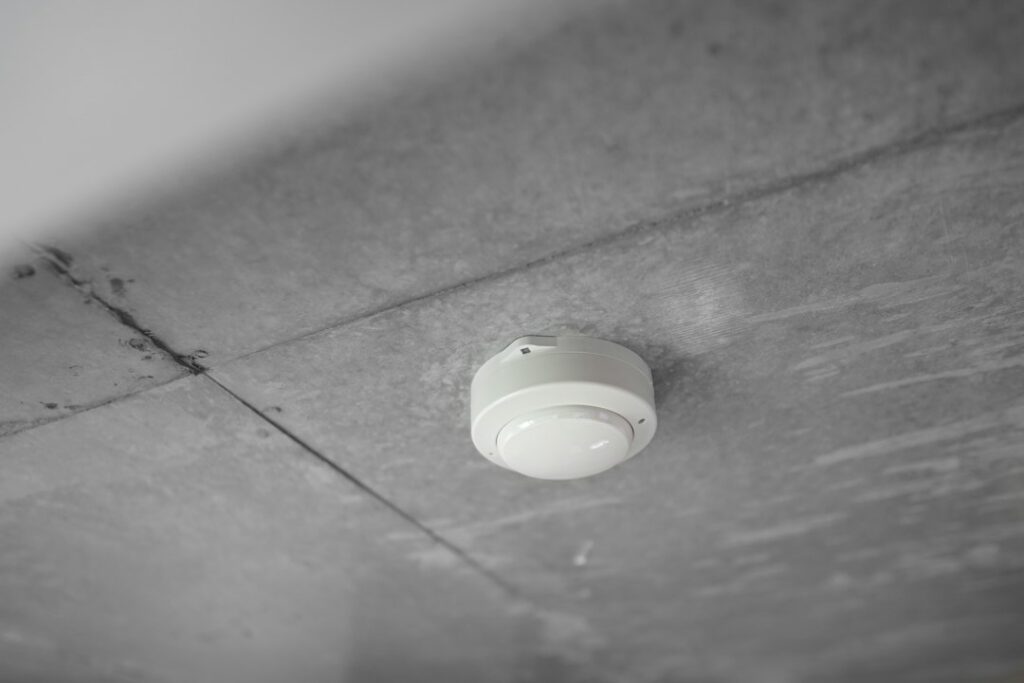
A standard smoke alarm only helps if someone is home to hear it. A wifi smoke detector does everything a regular alarm does, then pushes a notification to your phone the moment it senses smoke or carbon monoxide, so you hear about it at work, on vacation or asleep in a far bedroom. That remote alert can be the difference between a neighbor calling the fire department in time and coming home to serious damage.
Smart alarms come in three main forms. Battery-powered models connect directly to your home WiFi and install with two screws. Hardwired 120-volt models replace existing wired alarms, keep their battery backup, and add phone alerts. Listener-type retrofits leave your current alarms in place and add a small plug-in or battery device that hears the alarm’s siren pattern and relays it to your phone. The right choice depends on whether your home already has wired, interconnected alarms and how much you want to change.
- How a WiFi Smoke Detector Sends Phone Alerts
- Battery vs Hardwired vs Listener Retrofits
- Interconnecting With Existing Alarms
- Where to Mount Smart Smoke and CO Alarms
- Installing a Hardwired Smart Alarm Safely
- Battery and Fire Safety Tips
- Troubleshooting Smart Alarms
- Costs and Picking the Right Setup
- When to Call a Licensed Professional
- Frequently Asked Questions
All three approaches still sound a loud local alarm. The phone alert is an added layer, not a replacement for the siren or for a working escape plan.
How a WiFi Smoke Detector Sends Phone Alerts
Inside, a wifi smoke detector uses the same sensing technology as any other alarm, usually a photoelectric sensor that sees smoke particles scatter a light beam, sometimes paired with a carbon monoxide sensor. The difference is a small radio and a microprocessor. When the sensor trips, the alarm sounds locally and sends a message over your router to the maker’s cloud service, which pushes a notification to the phones on your account.
Most models also report low batteries, sensor faults, end-of-life warnings and nuisance alarms through the app. Many let you silence a false alarm from your phone, show which room triggered, and run a self-test. Better models speak a voice warning such as “smoke in the hallway” so everyone in the house knows where the danger is.
Some smart alarms connect through a hub-based wireless protocol rather than WiFi, and some work with voice assistants and smart home platforms so a speaker can announce the alarm or lights can turn on. Check compatibility with the platform you already use before buying.
The weak link: your internet
Phone alerts need power to the router and a working internet connection. During a power outage, a hardwired alarm falls back to its battery and keeps sounding locally, but it may not reach your phone unless the router and modem sit on a battery backup. Some professionally monitored systems add a cellular backup channel for this reason.
Battery vs Hardwired vs Listener Retrofits
| Type | Best for | Trade-offs |
|---|---|---|
| Battery WiFi alarm | Homes without wired alarms, rentals, added rooms | No hardwired power; battery care needed |
| Hardwired smart alarm | Homes with existing 120V interconnected alarms | Wiring swap; each unit costs more |
| Listener retrofit | Keeping existing alarms, lowest effort | Relies on hearing a siren; one device per area |
Battery-powered models
These run on sealed 10-year lithium batteries or replaceable AA cells. They are the simplest way to add phone alerts to a house that only has battery alarms today. Many interconnect wirelessly, so when one senses smoke, every alarm in the house sounds.
Hardwired models
If your home was built or remodeled in the last few decades, it likely has 120-volt alarms on a circuit with a third interconnect wire. Hardwired smart alarms plug into that same wiring harness, often with an adapter, and keep the existing interconnect working while adding app alerts. Local codes generally require hardwired alarms to be replaced with hardwired alarms, so do not swap a wired unit for a battery-only model.
Listener-type devices
A listener sits within earshot of an alarm and recognizes the standard three-beep smoke pattern and four-beep carbon monoxide pattern. It sends the alert to your phone without touching your alarm wiring. It is an inexpensive way to make an older interconnected system into smoke detectors that alert your phone, but it only works if the siren is loud enough where the listener sits.
Interconnecting With Existing Alarms
Interconnection means that when one alarm sounds, all of them sound. It is required in most new construction and strongly recommended everywhere, because a fire in a basement may not reach a bedroom alarm until escape time is short.
- Wired interconnect: Uses the extra conductor in the alarm circuit cable. Mixing makers on one wired interconnect is usually not supported, so plan to replace the whole set with one compatible line.
- Wireless interconnect: Smart alarms from the same maker link over their own radio or WiFi. Some hardwired smart alarms can bridge to wireless units in rooms without wiring.
- Mixed setups: A single listener device or a bridge module can sometimes tie an older wired system into an app. Confirm compatibility in the maker’s documentation.
Where to Mount Smart Smoke and CO Alarms
Placement rules follow national fire alarm standards and local building codes. Check with your local building department, but these guidelines apply in most places:
- Inside every bedroom.
- Outside each sleeping area, in the hallway.
- On every level, including the basement, near the base of the basement stairs.
- On ceilings or high on walls, with wall units about 4 to 12 inches below the ceiling.
- At least 10 feet from cooking appliances to cut nuisance alarms, and away from bathroom doors where steam escapes.
- Away from windows, supply vents and ceiling fans that push smoke away from the sensor.
- CO alarms on every level and near sleeping areas, especially with fuel-burning appliances or an attached garage.
A combination wifi smoke and carbon monoxide detector covers both hazards in one unit, which works well in hallways outside bedrooms.
Installing a Hardwired Smart Alarm Safely
- Turn off the breaker for the alarm circuit. Many alarms share a circuit with bedroom lights or outlets.
- Remove the old alarm by twisting it off the mounting plate and unplugging the harness.
- Confirm power is off at the wires with a non-contact voltage tester before touching anything. Never test or work on live wires.
- Swap the mounting plate and harness if the new alarm uses a different connector. Match black to black, white to white and the interconnect wire (often red) to the interconnect lead, using proper wire connectors.
- Install the backup battery or pull the battery tab, then plug in and twist the new alarm onto its plate.
- Restore power, connect the alarm to WiFi through the app, and name each unit by room.
- Test every alarm with the test button and confirm all units sound together and your phone gets the alert.
If there is no existing wiring and you want hardwired alarms, or if a new circuit is needed, hire a licensed electrician. Adding circuits and running new cable through finished walls requires permits in most areas.
Battery and Fire Safety Tips
Use only UL-listed alarms and let each unit breathe; never paint over, cover or tape an alarm, even during renovation dust. For replaceable batteries, use the type the manual specifies and replace them on schedule. Sealed lithium units are designed to last the life of the alarm; do not attempt to open them, and follow local rules for recycling lithium batteries rather than tossing them in the trash. Replace smoke alarms every 10 years and CO alarms every 7 to 10 years, or when the app reports end of life.
Troubleshooting Smart Alarms
- Will not join WiFi: Most units need a 2.4 GHz network. Move the router closer during setup or add a mesh node.
- Frequent offline alerts: Weak signal or crowded channels. Add an extender near the alarm.
- Nuisance alarms from cooking or showers: Relocate the unit or choose a photoelectric model with better steam rejection.
- Chirping: Low battery, end of life, or a dirty sensor. Check the app for the specific fault.
- Only one unit sounds: Interconnect wiring or wireless pairing is broken. Re-pair the units or check the interconnect conductor with power off.
Costs and Picking the Right Setup
Battery WiFi alarms typically run about $40 to $120 each. Hardwired smart alarms cost roughly $60 to $150 per unit, plus an electrician’s fee if wiring changes are needed. Listener devices run about $30 to $100. Monitored smart fire alarm system plans add a monthly fee, usually in the range of $10 to $50 depending on the bundle.
When comparing the best smart smoke detector options, look for a photoelectric sensor, combined CO sensing where fuel-burning appliances exist, voice location alerts, wireless interconnect, a sealed 10-year battery or battery backup, and an app you are comfortable using.
When to Call a Licensed Professional
Call a licensed electrician to add new hardwired alarm locations, extend the alarm circuit, or troubleshoot interconnect wiring that will not work. Call your fire department or a fire protection company if you want a whole-home inspection. If a CO alarm sounds, get everyone outside and call 911 or the fire department before investigating.
Frequently Asked Questions
Do WiFi smoke detectors work without internet?
Yes, they still sense smoke and sound a loud local alarm. Phone notifications stop until the internet connection returns.
Can I replace hardwired smoke detectors with WiFi ones?
Yes, with hardwired smart alarms that connect to the existing wiring harness. Replacing wired units with battery-only models usually violates local code.
Do smart smoke detectors need a hub?
WiFi models connect straight to your router. Models using hub-based wireless protocols need a compatible hub or smart home controller.
Can a smart alarm call the fire department?
Most self-monitored alarms only notify your phone. Professional monitoring plans can dispatch emergency services for a monthly fee.
How often should I test a wifi smoke detector?
Test every alarm monthly using the button or the app, and confirm your phone receives the notification each time.