
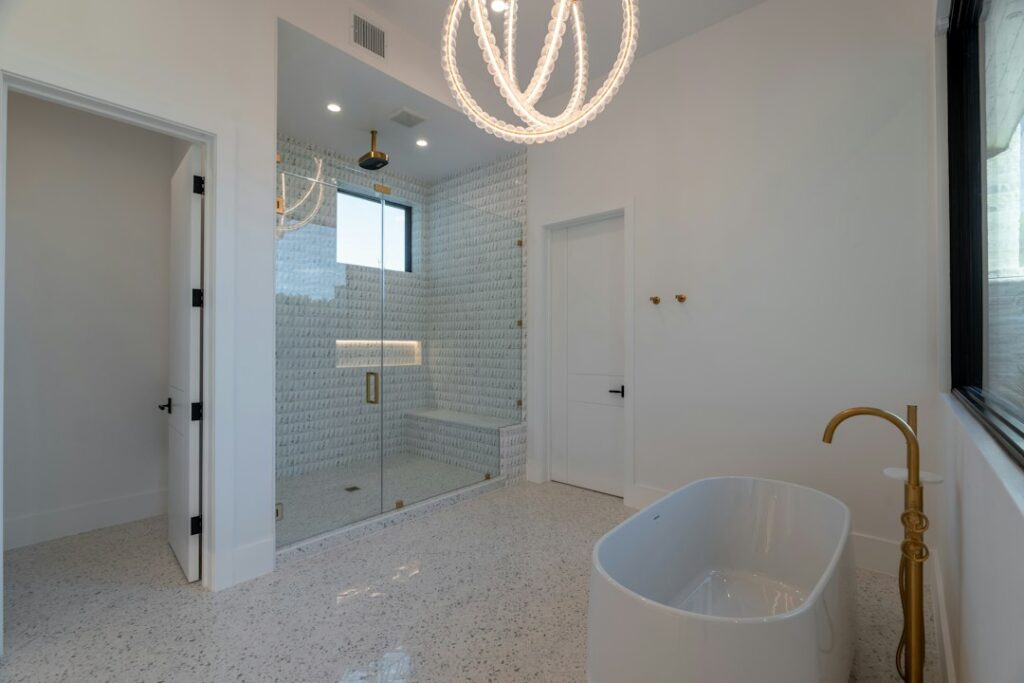
The Moen smart shower is a two-part digital shower system: a thermostatic digital valve hidden in the wall and a slim, Wi-Fi connected controller mounted on the shower wall. Instead of turning a handle to mix hot and cold water, you press buttons (or tap your phone) to pick an exact temperature, choose which outlets run and start the water. The valve does the mixing electronically and holds the temperature steady.
Part of our Bathroom Remodeling & Flooring guide — explore the full guide →
The system was originally sold as U by Moen and now appears on the manufacturer’s site under the Moen Smart Shower name. It comes in two-outlet and four-outlet versions, works with a smartphone app on iOS and Android, and lets you warm up the shower remotely so it pauses once it reaches your set temperature. It is approved only for the US and Canada. Showerheads, hand showers and body sprays are sold separately, so you pair the system with whatever fixtures you like.
Moen Smart Shower Components at a Glance
| Component or spec | Two-outlet system | Four-outlet system | What it means |
|---|---|---|---|
| In-wall digital valve | S3102 | S3104 | Thermostatic valve that mixes water and controls each outlet |
| Wall controller | TS3302 series | TS3304 series | Must match the valve’s outlet count |
| Max flow (at 45 psi) | 9 gpm | 14 gpm | Any single outlet tops out at 6 gpm at 45 psi |
| Controller size | 8-11/16 in tall x 3-3/8 in wide x 5/8 in deep | Needs a flat area at least 10 in wide by 6 in high | |
| Display and buttons | 5-inch non-touch LCD; power, temperature, preset and outlet buttons | Buttons work with wet hands; the screen shows status | |
| Presets | 2 on the controller, 12 total with the app | Save temperature and outlet combinations per user | |
| Max temperature | 115°F factory default, adjustable in the app up to 120°F | Built-in scald limit you can lower or raise slightly | |
| Power | Valve plugs into a 110V GFCI outlet near the valve; under 20 W in use | Plan an outlet in an accessible spot above the valve | |
| Warranty | 5-year limited on electronic operation; lifetime limited against leaks and drips (original consumer purchaser) | Commercial use has shorter terms | |
Specs come from the manufacturer’s product pages, FAQ and specification sheet. Confirm current details for the exact model and finish you buy, because product pages and spec sheets are updated over time.
How the System Works
Hot and cold supply lines connect to the digital valve, which sits inside the wall or in an adjacent closet or access space. Inside the valve, motorized components blend the water to the temperature you request and route it to the outlets you choose. A sensor checks the outgoing temperature and keeps adjusting the mix, which is how a thermostatic valve holds a steady temperature even when someone flushes a toilet or runs a dishwasher.
The controller in the shower is just the user interface. It connects to the valve through a waterproof data cable, and the valve can be installed up to 30 feet away from the controller. That flexibility is a big advantage in remodels: the valve does not have to sit directly behind the controller, so you can tuck it into a linen closet or a vanity wall where service access is easier.
The Wi-Fi link lets the app talk to the controller. From the app you can start the shower from another room, have it warm up and pause until you step in, set shower duration, create presets for different household members, and adjust the maximum temperature. The system also works with popular voice assistants for hands-free starts, although the controller buttons always work without any phone or speaker.
Installation Requirements
A Moen smart shower is not a swap-in replacement for a standard shower valve. It needs plumbing, electrical and wall planning. The key requirements:
- Wall framing: the valve fits a standard 2×4 wall.
- Access panel: the manufacturer recommends a minimum access opening of about 14 inches wide by 29 inches high for service.
- Power: a 110V AC GFCI-protected outlet, mounted above the valve body, for the valve’s power adapter. A licensed electrician should install the new outlet.
- Water pressure: at least 20 psi.
- Connections: the two-outlet valve has 1/2-inch inlets and outlets with CC connections; the valves use standard 1/2-inch or 3/4-inch pipe sizes and adapt to PEX, copper or CPVC with standard fittings.
- Temperature limits: do not install the valve where the ambient temperature can exceed 104°F, such as a hot attic in summer.
- Wi-Fi: a home network on the 2.4 GHz band within range of the controller.
- Controller surface: a flat area at least 10 inches wide by 6 inches high on the finished wall.
An optional battery backup kit lets the shower run during a power outage. Without it, no power means no water from the system.
Installation Steps, in Overview
Most homeowners hire a plumber and an electrician, but knowing the sequence helps you plan the remodel.
- Plan the layout. Choose outlet count, fixture locations, controller height and the valve location within 30 feet of the controller, with an access panel.
- Shut off water and power. Close the main or branch shutoffs and relieve pressure. Turn off the breaker for any circuit you will work near and confirm power is off with a non-contact voltage tester.
- Add the GFCI outlet. A licensed electrician installs a GFCI-protected outlet above the valve location.
- Rough in the plumbing. Mount the valve, connect hot and cold supplies and run lines to each outlet. Pressure test before closing the wall.
- Run the data cable. Route it from the valve to the controller location, protected from damage.
- Finish the wall. Tile or install the surround, keeping a flat area for the controller.
- Mount the controller and fixtures. Attach the controller, showerheads and hand shower, plug the valve in and pair the app.
Plumbing work usually requires a permit, and local codes govern valve type and access. If you are unsure, hire a licensed plumber.
Pros and Cons
Pros
- Exact temperature control with a thermostatic valve certified to the ASSE 1016 standard for shower valves
- Remote warm-up and pause cuts wasted water while you wait for hot water
- Presets make it easy for different people to get their preferred shower
- A valve location up to 30 feet away gives design and service flexibility
- Adjustable maximum temperature limit adds a layer of scald protection
Cons
- Needs a dedicated GFCI outlet and an access panel, adding cost and planning
- No power means no shower unless you add the battery backup kit
- More expensive than a standard mixing valve, and repairs require electronic parts
- App use is limited to the US and Canada
- Electronics carry a shorter warranty (5 years) than the lifetime leak and drip coverage
Who the System Suits Best
A digital shower makes the most sense for households planning a full shower remodel, where walls are already open and adding an outlet and access panel costs less. It also suits families who share one shower and want different saved settings, and anyone who likes stepping into a shower that is already warm. Homes with older adults or young children may value the adjustable temperature limit and precise thermostatic control.
It is a weaker fit for a quick valve replacement in a finished tiled wall, for rentals where tenants may not want an app, or for homes with unreliable power unless you add the battery kit. If all you want is steady temperature, a conventional thermostatic or pressure-balance mixing valve costs far less and has no electronics to maintain.
Troubleshooting Common Issues
The app cannot connect. Check that your router broadcasts a 2.4 GHz network, that the controller is within Wi-Fi range and that you are using the current app version.
The shower will not start. Confirm the valve has power, the GFCI outlet has not tripped and the data cable is connected. If the GFCI keeps tripping, call an electrician rather than resetting it repeatedly.
The water is not hot enough. The default maximum is 115°F. You can raise it in the app up to 120°F. Also check the water heater setting and the supply pressure.
Low flow at one outlet. The valve has accessible filter screens; clogged screens or a restricted showerhead are common causes.
General Cost Ranges and When to Call a Pro
The digital valve and controller together typically cost in the low four figures before showerheads and trim, with four-outlet systems at the higher end. Installation labor varies widely, often from several hundred dollars as part of a planned remodel to a few thousand when walls must be opened, an outlet added and tile replaced. Hire a licensed plumber for the valve and supply lines and a licensed electrician for the new GFCI outlet. Many installers prefer to put the system in during a full shower remodel, when walls are already open.
Frequently Asked Questions
Is the Moen smart shower the same as U by Moen?
Yes. The system was launched as U by Moen and is now listed by the manufacturer as Moen Smart Shower. The valves and controllers are the same two-outlet and four-outlet designs.
Does the Moen smart shower system need electricity?
Yes. The valve plugs into a 110V GFCI-protected outlet mounted above the valve. An optional battery kit keeps it working during a power outage.
How hot can a digital Moen shower get?
The factory maximum is 115°F, and you can raise it through the app up to 120°F. You can also set a lower limit for safety.
Can I install a digital shower system myself?
Experienced DIYers can handle some steps, but the job involves new plumbing, a new GFCI outlet and wall work. A licensed plumber and electrician are the safer choice, and permits are often required.
Does the controller have a touchscreen?
No. The controller has a 5-inch non-touch LCD display with physical buttons for power, temperature, presets and outlets, which work well with wet hands.


