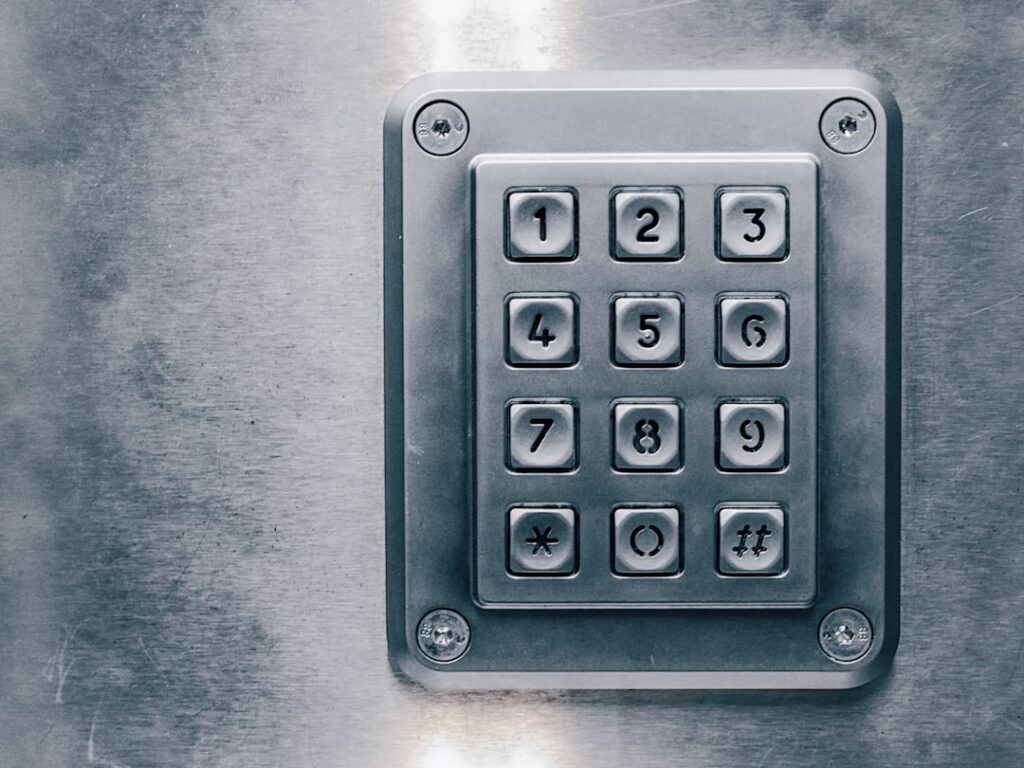
When a Schlage smart lock is not working, the cause is almost always one of five things: weak batteries, a lost network connection, an unresponsive keypad, a scrambled controller that needs a reset, or a deadbolt fighting a misaligned strike. The good news is that nearly all of these are fixable at the door with a screwdriver and ten minutes. Let me walk you through the fixes in the order I actually use on service calls.
Whether you own a Schlage Encode, Encode Plus, or an older Connect (Z-Wave) model, start at the top of this list and work down. Most of the time a Schlage smart lock that stops working comes back to life at step one or two.
- Start With the Batteries (Even If They Seem Fine)
- The Keypad Is Unresponsive or Won’t Take Codes
- WiFi Won’t Connect (Encode and Encode Plus)
- Z-Wave Pairing Problems (Schlage Connect)
- Factory Reset: The Reliable Reset
- The Bolt Jams, Grinds, or the Motor Struggles
- Codes Work Manually but Auto-Lock or Remote Fails
- When to Call It and Contact Schlage
Start With the Batteries (Even If They Seem Fine)
Schlage keypad deadbolts run on a single 9-volt alkaline battery, while the Encode and Connect models use four AA alkalines in the interior housing. A weak battery is the number-one cause of every symptom on this page: slow motor, dead keypad, dropped WiFi, and false “jammed” errors.
- Remove the interior cover plate and pull the battery tray.
- Replace with fresh, name-brand alkaline AAs. Do not use rechargeable or lithium cells; Schlage rates the electronics for alkaline voltage, and lithiums can cause erratic behavior.
- Never mix old and new batteries or different brands in the same tray.
- Reseat the tray fully and confirm the connector clicks.
If the lock was dead and the keypad lights up after fresh batteries, you’re done. A red X or three red flashes after a code entry is Schlage’s low-battery or jam warning, so batteries are the first suspect there too.
The Keypad Is Unresponsive or Won’t Take Codes
A keypad that ignores presses usually means one of three things: dead batteries (see above), a locked-out keypad after too many wrong codes, or a firmware hang.
After several failed code attempts, Schlage locks the keypad for a cooldown period, often around 30 to 60 seconds, and the touchscreen may flash. Wait it out and try a known-good code. If the numbers light but nothing happens on entry, do a power cycle: pull one battery for 30 seconds, reinsert, and test. On touchscreen models, wipe the pad with a dry cloth; heavy grime or moisture between the glass can block touches. If only certain digits fail, that points to a failing keypad membrane, which is a warranty issue on newer locks.
WiFi Won’t Connect (Encode and Encode Plus)
The Encode family has WiFi built in and connects to the Schlage Home app. When it drops offline, the lock still works at the door but you lose remote control and access logs.
- Confirm your router is broadcasting 2.4 GHz. Schlage Encode does not join 5 GHz networks. If you run a combined SSID, temporarily split the bands or move the phone close to a 2.4 GHz access point during setup.
- Check signal at the door. A door more than 30-40 feet from the router, or through masonry, often needs a mesh node nearby.
- Fresh batteries matter here too. WiFi radios draw hard, and a half-drained pack will connect intermittently.
- In the app, delete the lock, then re-add it. Force-close the app and toggle your phone’s Bluetooth, since initial pairing uses Bluetooth before handing off to WiFi.
If it still won’t join, reboot the router, then try enrollment again within a few feet of the lock before mounting your expectations on range.
Z-Wave Pairing Problems (Schlage Connect)
The Connect models speak Z-Wave, not WiFi, so they need a hub such as SmartThings, Ring Alarm, or a Z-Wave controller. Pairing failures are common and almost always a range or state issue.
- Exclude first, then include. Run a Z-Wave “exclude” (general device removal) from your hub even on a brand-new lock; this clears any leftover network state.
- Bring the hub close. For pairing, get the controller within a few feet of the lock, or use a portable hub. Z-Wave inclusion needs a strong direct signal even though the mesh extends range afterward.
- On the lock, enter the programming code, then press the Schlage button and the number 0 to start inclusion.
- If it pairs but shows “unknown device,” your hub may need a Z-Wave firmware or device-handler update to recognize the secure pairing.
Secure (S2) inclusion can be finicky. If a secure pair fails repeatedly, some hubs let you force a non-secure join to confirm the lock is otherwise healthy.
Factory Reset: The Reliable Reset
When codes, connectivity, and keypad all misbehave at once, a factory reset clears the controller and gives you a clean slate. Resetting wipes all user codes and app pairings, so re-enroll afterward.
- Remove the battery tray.
- Press and hold the interior reset button (a small recessed button on the inside unit, or the Schlage button depending on model).
- While holding, reinsert the battery tray, and keep holding until the lock beeps and the keypad flashes, usually about 10 seconds.
- Release, wait for the confirmation tone, then re-program your default 6-digit programming code printed on the lock’s manual or interior label.
After a reset, re-add the lock to the app or hub before recreating user codes. On Encode models the programming code and default access codes are printed on a sticker inside the box, so keep that handy.
The Bolt Jams, Grinds, or the Motor Struggles
If you hear the motor whir but the bolt doesn’t throw fully, or you get a jam warning with a healthy battery, the problem is mechanical alignment, not electronics. The motor is straining against a strike that doesn’t line up.
- Test with the door open. If the bolt throws smoothly with the door open but jams when closed, the strike is misaligned.
- Enlarge or re-mortise the strike hole so the bolt slides in with no drag. A door that has settled or swollen is the usual culprit.
- Check the interior thumb-turn and tailpiece orientation; an improperly seated tailpiece binds the motor.
- Run the app’s calibration or re-align routine so the lock relearns its fully-locked and unlocked stops.
A dragging bolt doesn’t just cause jam errors; it drains batteries fast because the motor works overtime on every cycle. Fix the alignment and both problems disappear.
Codes Work Manually but Auto-Lock or Remote Fails
Sometimes the lock is mechanically perfect: codes work, the bolt throws, the keypad lights up, but auto-lock never fires or the app won’t unlock it remotely. That’s a settings-and-connectivity issue rather than a hardware fault.
- Check the auto-lock timer in the Schlage Home app. It ships off on some models. Set it to 30, 60, 120, 240, or 300 seconds so the bolt throws on its own after you walk in.
- Confirm the lock still shows online. Remote unlock only works over WiFi; if the Encode dropped to Bluetooth-only, you can operate it from a few feet away but not from across town.
- Verify the app has permission to run in the background on your phone and that notifications are enabled, or you’ll miss the offline alerts entirely.
- If a specific user’s code stopped working, check whether it was set as a temporary or scheduled code that has since expired.
One quiet gotcha: if you changed your home WiFi password or swapped routers, the lock keeps trying the old credentials and silently goes offline. Re-run the WiFi setup in the app whenever your network changes.
Electronics and batteries also hate temperature swings. On a below-freezing morning, alkaline batteries lose a chunk of their rated capacity, so a lock that seemed fine at 50 degrees can throw low-battery warnings at 10 degrees. If your failures track with cold snaps, fresh batteries usually restore normal operation once the day warms up, and keeping a spare set on hand is cheap insurance.
Humidity and driving rain are the other enemies, especially on touchscreen keypads with no overhang. Moisture bridging the touch surface causes phantom presses or dead zones. Dry the pad, and consider a small awning or storm door on an exposed entry. Salt air near the coast can also corrode contacts over a few seasons, so wipe the exterior unit down periodically.
When to Call It and Contact Schlage
Run through batteries, power cycle, network re-pair, factory reset, and strike alignment in that order, and you’ll solve the large majority of failures yourself. If a specific keypad zone is dead after a reset, if the motor won’t move with the door wide open and fresh batteries, or if the lock beeps error tones out of the box, that’s a hardware fault. Schlage backs these locks with a limited electronics warranty (and a lifetime mechanical/finish warranty), so gather your model number and proof of purchase and open a claim. Everything short of a true hardware defect, though, is fixable in your own doorway in under fifteen minutes.