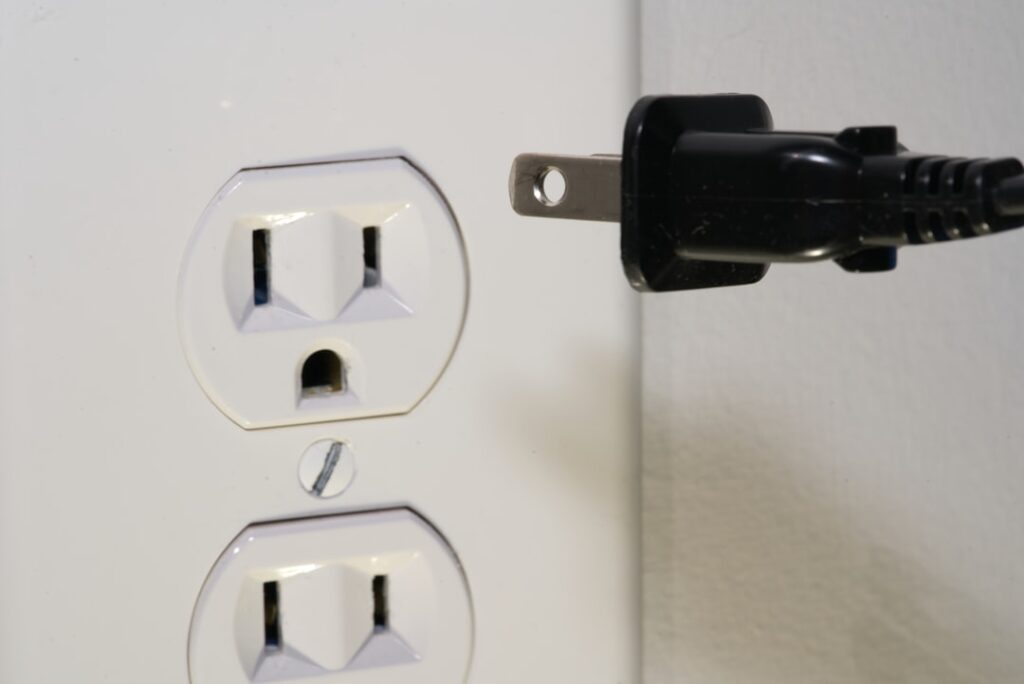
An Alexa smart plug is one of the cheapest and fastest ways to bring voice control into your home. Plug it into any standard outlet, connect it to your Wi-Fi, and suddenly a lamp, fan, or coffee maker responds to your voice or a schedule. For around $10 to $25 per plug, it is the classic entry point into home automation.
- What an Alexa Smart Plug Actually Does
- What It Won’t Control Well
- Checking the Wattage and Amp Rating
- Popular Alexa Smart Plug Models
- Step-by-Step Setup
- The 2.4 GHz Wi-Fi Requirement
- Creating Routines and Schedules
- Grouping Plugs for Whole-Room Control
- Energy Monitoring Benefits
- Security and Privacy Notes
- Troubleshooting Common Issues
- Are They Worth It?
- Smart Plugs vs. Smart Bulbs and Switches
- Indoor vs. Outdoor Models
- Getting the Most From Voice Commands
What an Alexa Smart Plug Actually Does
A smart plug sits between the wall outlet and whatever you plug into it. It acts as a relay switch, cutting or restoring power to the device on command. When you say “Alexa, turn on the living room lamp,” the Echo device sends a signal over your Wi-Fi network to the plug, which then energizes the outlet. Because it only switches power on and off, a smart plug works best with devices that return to their “on” state when power is restored, such as lamps with mechanical switches, string lights, fans set to a fixed speed, and space heaters with simple dials.
What It Won’t Control Well
Not every appliance is a good match. Devices with digital control panels, like most modern microwaves, dishwashers, or coffee makers with touch screens, will not resume automatically after power is cut. A smart plug also cannot dim a light or change a fan’s speed; it is purely on or off. For dimming, you want a smart bulb or a smart dimmer switch instead.
Checking the Wattage and Amp Rating
Every smart plug has a maximum load, usually printed on the body. Common ratings are 10 amps (about 1,200 watts) or 15 amps (about 1,800 watts) on a standard 120-volt US circuit. This matters most for high-draw appliances:
- A 1,500-watt space heater needs a 15-amp plug rated for at least 1,800 watts.
- Table lamps, phone chargers, and string lights draw very little and work with any plug.
- Never daisy-chain a smart plug into a power strip feeding multiple heaters.
Exceeding the rating can overheat the plug, so match the plug to the load before you buy.
Popular Alexa Smart Plug Models
The Amazon Smart Plug is the simplest option because it is designed by Amazon and pairs almost instantly with any Echo device. Third-party brands like Kasa (TP-Link), Wyze, Govee, and Amazon-owned options often cost less and add features such as energy monitoring. Kasa’s KP125 and the Wyze Plug both report real-time wattage, which helps you spot power-hungry devices. Look for the “Works with Alexa” badge to guarantee compatibility.
Step-by-Step Setup
- Plug the smart plug into an outlet and wait for its LED to blink, signaling pairing mode.
- Open the Alexa app and tap Devices, then the plus icon, then Add Device.
- Select Plug and choose the brand. For non-Amazon plugs, you may first need the maker’s own app (Kasa, Wyze) to connect it to Wi-Fi.
- Confirm your 2.4 GHz Wi-Fi network. Most smart plugs do not support 5 GHz.
- Give the plug a clear name like “bedroom lamp,” and assign it to a room group.
The whole process usually takes under five minutes per plug.
The 2.4 GHz Wi-Fi Requirement
Nearly all smart plugs connect only to the 2.4 GHz band because it has better range and wall penetration than 5 GHz. If your phone is on a 5 GHz network during setup, the plug may fail to pair. On many routers you can temporarily separate the bands or connect your phone to the 2.4 GHz network during setup. Once paired, the plug holds its connection independently.
Creating Routines and Schedules
The real value of a smart plug appears when you automate it. In the Alexa app, tap Routines to build automations such as:
- Turn on porch lights at sunset and off at sunrise automatically.
- Switch on a coffee maker with a simple switch every weekday at 6:30 a.m.
- Kill power to a space heater after 60 minutes as a safety timer.
- Turn everything off with a single “Alexa, good night” command.
Sunset and sunrise triggers use your location, so the timing shifts naturally through the seasons.
Grouping Plugs for Whole-Room Control
If you have several lamps in one room, add them all to a room group in the Alexa app. Then a single command like “Alexa, turn on the office” switches every plug in that group. Grouping also makes the Echo pick the right device when you speak from a specific room, reducing confusion between similarly named plugs.
Energy Monitoring Benefits
Plugs with energy monitoring, such as the Kasa KP125 or Emporia smart plug, show how many watts a device pulls and estimate its cost over time. This is genuinely useful for spotting a space heater that costs $1.50 a day to run or an old refrigerator quietly wasting energy. You can then decide whether to unplug, replace, or schedule the device to run only during off-peak hours.
Security and Privacy Notes
A smart plug is a network device, so keep its companion app updated to receive security patches. Use a strong, unique Wi-Fi password, and consider placing smart-home gadgets on a separate guest or IoT network to isolate them from your computers and phones. A smart plug has no camera or microphone, so its privacy footprint is small compared with a smart speaker.
Troubleshooting Common Issues
If a plug goes unresponsive, first check that it is fully seated in the outlet and that the outlet is not on a switched circuit. Restart the plug by unplugging it for ten seconds. If it drops offline repeatedly, it may be too far from the router; a Wi-Fi extender or mesh node usually solves the range problem. Renaming a device requires re-confirming the name in both the maker’s app and the Alexa app so the voice command matches.
Are They Worth It?
For the price of a couple of sandwiches, a smart plug adds voice control, scheduling, and remote access to devices you already own. It is the lowest-risk way to test whether smart-home automation fits your life before investing in smart bulbs, thermostats, or cameras. Many people start with one plug for a bedside lamp and quickly expand to four or five once they see how convenient it is.
Smart Plugs vs. Smart Bulbs and Switches
A smart plug is only one way to add automation, so it helps to know when a different device fits better. A smart bulb makes sense when you want dimming and color changes from a lamp, since a plug can only cut power. A smart switch is the right choice for hardwired ceiling fixtures, because it replaces the wall switch itself and controls lights that have no plug. The smart plug’s sweet spot is any freestanding device that plugs into a wall and has a simple mechanical on/off state, which covers a surprising range of household items from fans to holiday displays.
Indoor vs. Outdoor Models
Most smart plugs are rated for indoor use only, so do not run one to power outdoor string lights or a fountain unless it is specifically weatherproof. Outdoor smart plugs carry a higher IP rating, a sealed gasket, and often two independently controlled outlets so you can automate landscape lighting and a water feature separately. They typically cost $20 to $35 and let you schedule seasonal lighting without dragging a ladder out every evening. Always confirm the plug is labeled for wet or damp locations before installing it outside.
Getting the Most From Voice Commands
Clear, distinct device names make voice control feel effortless. Avoid naming two plugs similarly, such as “lamp one” and “lamp two,” which Alexa can confuse; instead use “reading lamp” and “corner lamp.” You can also create custom Alexa scenes that combine several plugs, so one phrase sets a whole mood. If a command is misheard often, rename the device to something phonetically simple. Small naming choices dramatically improve day-to-day reliability, especially in a busy household where several people issue commands.
In short, an Alexa smart plug delivers outsized convenience for a small cost. Match the plug’s amp rating to your device, connect it to a 2.4 GHz network, and build a few routines around sunset, wake-up, and bedtime. Within an afternoon you will have a home that responds to your voice, and you can expand the system one affordable plug at a time.