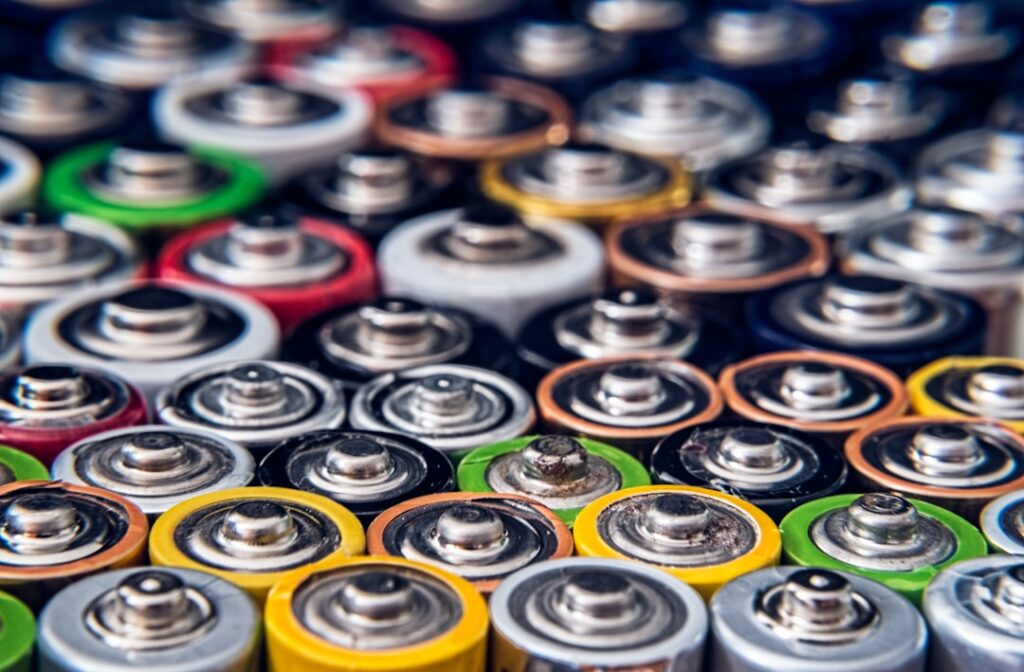
Most homeowners assume a dead remote means a dead opener, but nine times out of ten a five-minute garage door opener battery replacement fixes it for a couple of dollars. Three separate batteries can leave you stranded: the tiny coin cell in a handheld remote, the AA or 9-volt in a wall keypad, and the larger backup battery inside newer motor units. Knowing which one died, and the exact part number to buy, is the whole game.
Part of our Garage Doors guide — explore the full guide →
- The Three Batteries in Your System
- Remote Control Batteries
- Wireless Keypad Batteries
- Battery Backup in the Opener
- Signs a Battery Is the Culprit
- Buying the Right Battery
- How Long Each Battery Should Last
- Cold Weather and Battery Performance
- Safe Disposal and Storage
- Step-by-Step: Replacing a Coin Cell Remote Battery
- Keeping Spare Batteries on Hand
- When It Is Not the Battery
- Frequently Asked Questions
The Three Batteries in Your System
Before you buy anything, figure out which device actually failed. If the wall button on your garage still works but the handheld clicker does not, the remote battery is dead. If a wireless keypad on the door frame stopped responding, that is its own battery. And if the whole opener beeps and flashes with a battery icon, the internal backup is at fault.
Test the wall-mounted hardwired button first. It draws power from the opener, not a battery, so if it works while the remote does not, you have isolated the problem cleanly.
Remote Control Batteries
Nearly all modern visor remotes use a flat lithium coin cell. The most common by far is the CR2032, a 3-volt cell about the size of a nickel. Some slimmer remotes take a CR2016 or CR2025 instead; the number is printed right on the old battery.
- Chamberlain and LiftMaster visor and mini remotes: usually CR2032
- Genie Intellicode remotes: often CR2032 or a A23 12-volt for older keychain units
- Older three-button remotes: sometimes a 9-volt or A23
To swap a coin cell, slide the visor clip off, find the seam, and pry the case open with a coin or small flathead. Note the polarity, the plus side almost always faces up, then press the fresh cell in and snap the case shut. A four-pack of CR2032 batteries costs about $5 and outlasts several remotes.
Wireless Keypad Batteries
The keypad you mount outside the garage takes more abuse from weather and drains faster. Chamberlain and LiftMaster keypads typically run on a single 9-volt battery, accessed by sliding the cover down or removing a small screw. Genie keypads more often use a 12-volt A23 or a set of AAA cells. Cold weather kills keypad batteries fast, so if yours dies every winter, that is normal, not a defect.
After replacing a keypad battery, you may need to re-enter your PIN or re-sync the keypad to the opener. Keep the original PIN handy; losing it means reprogramming from the motor unit’s learn button.
Battery Backup in the Opener
Since 2019, California and several other states require garage door openers to include a battery backup so the door works during a power outage. LiftMaster and Chamberlain units use a sealed rechargeable pack, commonly the 485LM replacement battery. These last three to five years, then the opener beeps and flashes a battery light to warn you.
- Unplug the opener from the ceiling outlet for safety.
- Locate the battery cover on the side or bottom of the motor housing.
- Slide or unscrew the cover and disconnect the old pack’s two-wire plug.
- Plug in the new 485LM, seat it in the tray, and replace the cover.
- Restore power and let it charge; the warning light clears once charged.
A genuine 485LM pack runs about $40 to $60. Off-brand equivalents cost less but sometimes trip the opener’s charging circuit, so I stick with the OEM part for backups.
Signs a Battery Is the Culprit
A remote with a weak battery often works only from a few feet away before it quits at normal range, a telltale sign the cell is fading rather than the receiver failing. A keypad that lights dimly or needs several button presses is starving for power. And the opener’s backup announces itself with a steady beep every 30 seconds or so plus a red battery LED.
If a fresh battery does not fix a remote, try holding the learn button on the motor unit and re-pairing the remote before you assume the remote is dead. Reprogramming takes 30 seconds and rules out a lost pairing.
Buying the Right Battery
Always match the number printed on the old cell rather than guessing by size, because a CR2025 and CR2032 look nearly identical but differ in thickness and capacity. For backups, match the model number on the pack itself. Buy from a source with fresh stock; coin cells sitting on a shelf for years lose charge before you ever install them.
How Long Each Battery Should Last
Setting expectations prevents unnecessary worry. A coin cell in a visor remote used a few times a day typically lasts two to three years. A keypad battery, exposed to weather and temperature swings, often lasts one to two years and drains faster in cold climates. The rechargeable backup pack inside the opener carries a three-to-five-year service life before it can no longer hold enough charge to cycle the door during an outage.
If any battery dies dramatically sooner than these ranges, something else is wrong. A remote that eats a coin cell every few months may have a stuck button holding the circuit on, or a corroded contact. A keypad draining monthly may have moisture intrusion. And a backup pack that fails within a year is usually a warranty defect worth reporting rather than simply replacing.
Cold Weather and Battery Performance
Winter is hard on every battery in your garage system. Lithium coin cells hold up better than alkaline in the cold, but the wireless keypad mounted outside takes the worst of it. When temperatures drop below freezing, chemical reactions inside the battery slow, cutting the voltage the device sees. A keypad that works fine in October may respond sluggishly or die in January, then seem to revive on a warm day.
If your keypad quits every winter, that is expected behavior, not a fault. You can extend life by choosing lithium keypad batteries where the device allows, keeping the cover sealed against moisture, and simply accepting a more frequent swap during the cold months. The internal backup pack is climate-controlled inside the motor housing, so it is less affected, though a bitterly cold garage still shortens its life somewhat.
Safe Disposal and Storage
Do not toss old batteries in the household trash where local rules prohibit it. Lithium coin cells and rechargeable backup packs should go to a battery recycling drop-off, available at many hardware and electronics stores. Coin cells in particular are a serious swallowing hazard for small children and pets, so store spares in their original packaging up high and dispose of dead ones promptly. Wrap the terminals of a 9-volt battery with tape before disposal, since its two close-set terminals can short against metal and generate heat.
Step-by-Step: Replacing a Coin Cell Remote Battery
Because the visor remote is the battery homeowners swap most often, it is worth walking through carefully. The whole job takes about two minutes once you have the right cell:
- Slide the remote out of its visor clip if it has one.
- Find the seam around the edge of the case; there is usually a small notch for a coin or flathead screwdriver.
- Gently twist to pop the two halves apart, taking care not to crack the plastic.
- Note which way the old battery faces, the writing and plus sign almost always face up.
- Slide the old cell out from under its retaining clip and press the fresh CR2032 in the same orientation.
- Snap the case back together and test the remote before reattaching the visor clip.
If the remote still does not work with a known-good battery, the contacts may be corroded; clean them with a pencil eraser or a cotton swab and a drop of isopropyl alcohol.
Keeping Spare Batteries on Hand
The single best way to avoid getting locked out is to keep the right spares in a drawer before you need them. Since the CR2032 covers the vast majority of modern remotes, a fresh four-pack costs about five dollars and handles years of swaps for both your garage remotes and countless other household devices that use the same cell, from key fobs to thermostats and scales.
Keep a 9-volt on hand for the keypad and note your opener’s backup pack model number, commonly the 485LM, so you can order one the moment the low-battery beep starts. Buying batteries in advance, from a source with fresh stock rather than a can that sat on a shelf for years, means a dead remote is a two-minute fix instead of a scramble. Check the manufacture date on the package; a coin cell has a shelf life of up to a decade, but older stock will already have lost some charge.
When It Is Not the Battery
If you have replaced every battery and the door still misbehaves, look at the safety sensors near the floor, a loose antenna wire on the motor unit, or radio interference from a new LED bulb. Cheap LED bulbs in the opener socket are a notorious source of range problems. Swap in an LED rated for garage door openers, or a plain incandescent, and your remote range often returns. But start with the cheapest fix first: a fresh garage door opener battery replacement solves the vast majority of dead-remote calls for under five dollars.
Frequently Asked Questions
Do you need to reprogram a garage door remote after changing the battery?
Usually not. Remotes store their code in memory, so a battery swap leaves the pairing intact and the remote works as soon as the case snaps shut. If it still does nothing with a fresh, correctly oriented battery, clean the contacts, then re-pair it using the learn button on the motor unit. Keypads are the exception and may need the PIN entered again.
Can a garage door opener work without its backup battery?
Yes. The opener runs on household power, and the backup battery only operates the door during a power outage. A dead or missing backup pack will not stop normal operation, but most units keep beeping and flashing a battery light until a working pack is installed. Replacing it restores the ability to open the door when the power is out.
Why does a garage door opener keep beeping after a new battery?
A new backup pack often needs time to charge, and the warning can continue until it does, sometimes up to a day. If beeping continues after that, unplug the opener and check that the battery connector is fully seated and the pack matches the model number listed for the opener. A wrong or off-brand pack may not be recognized by the charging circuit.
Is it safe to change garage door opener batteries yourself?
Yes, remote, keypad, and backup batteries are safe homeowner jobs. Unplug the opener before opening the motor housing, and use a sturdy ladder to reach it. Battery work never involves the door’s springs or lift cables, which are under high tension; if those look worn, loose, or broken, leave them alone and call a garage door technician.