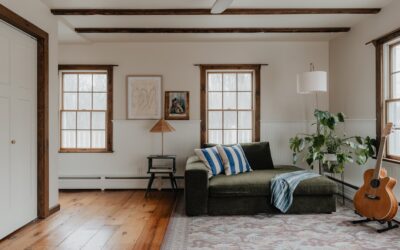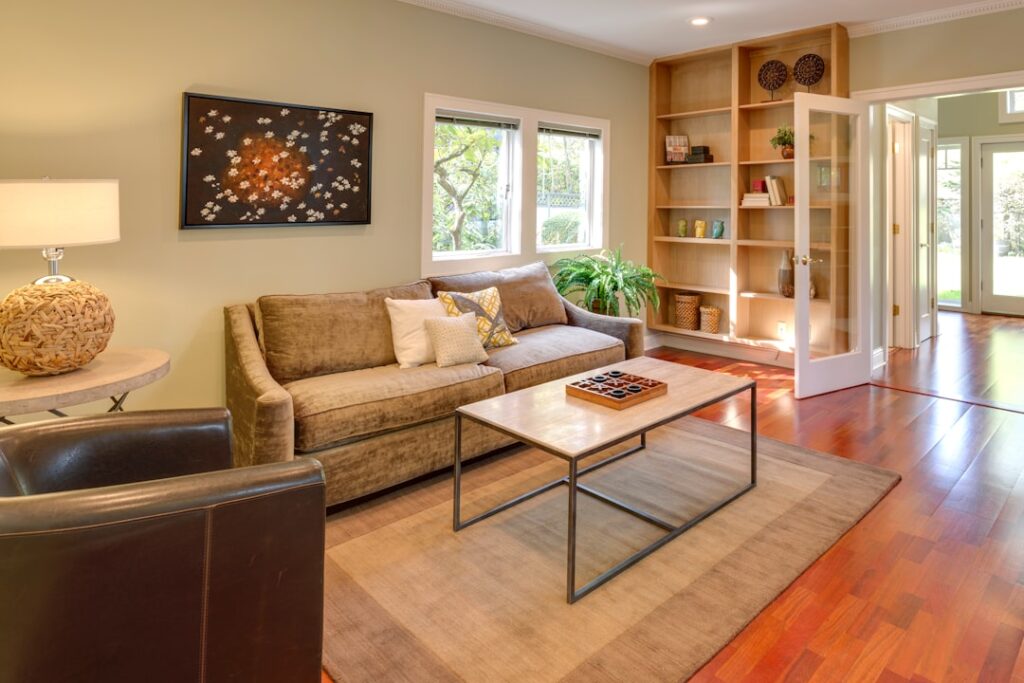
Big, bright windows make a living room feel open and inviting, right up until you try to watch a movie and stare at your own reflection. Deciding where to put a TV in a living room with windows is mostly about controlling glare, because daylight bouncing off a screen washes out the picture and makes the panel look like a mirror. With a little planning around the direction of your windows, you can keep the airy feel of the room and still see the screen clearly at any time of day.
Part of our Windows & Doors guide — explore the full guide →
The Golden Rule: Perpendicular to Windows
The best position for a TV in a room with windows is perpendicular to them, meaning the screen sits on a wall that runs at a right angle to the window wall. In this layout, the window is off to the side of the TV rather than in front of or behind it. Light enters from the side, so it doesn’t reflect directly off the screen into your eyes, and you avoid both glare and silhouetting.
This single placement solves the two biggest problems at once. Picture the room as a square: if the windows are on the north wall, put the TV on the east or west wall. Light streams in from the side and falls harmlessly past the screen.
Why You Shouldn’t Face the TV Toward a Window
Placing the TV on a wall opposite the windows, so the screen faces the light, is the worst option for glare. Every bit of daylight pours straight onto the glossy screen and bounces back at you. During the day you’ll fight reflections constantly, seeing the window, the room, and yourself instead of the show.
If your room layout truly forces this arrangement, you’ll need to manage the light aggressively with the window treatments described below. But whenever you have a choice, keep the screen from facing a bright window directly.
Why You Shouldn’t Back the TV Against a Window
The opposite mistake is mounting or standing the TV in front of a window, so the bright glass sits behind the screen. This creates a harsh backlight that forces your eyes to constantly adjust between the dim screen and the blazing light around it. The result is eye strain and a picture that looks washed out by comparison.
Backing a TV against a window also wastes natural light and often blocks a nice view. Reserve the wall in front of the window for seating or low furniture, and find another wall for the screen.
When Layout Forces a Compromise
Open-concept rooms and homes with windows on multiple walls don’t always offer a clean perpendicular wall. When you’re stuck, control the light rather than just the placement. Effective options include:
- Blackout or room-darkening curtains you can close during prime viewing hours
- Cellular or roller shades that filter glare while still letting some light in
- Adjustable blinds angled to redirect light away from the screen
- A motorized or full-motion TV mount that lets you tilt or swivel the screen away from incoming light
A matte-screen TV also helps; matte panels scatter reflections far better than glossy ones, which matters a lot in a bright room.
Mounting and Height Considerations
Once you’ve chosen the wall, get the height right. The center of the screen should sit roughly at seated eye level, usually about 42 inches from the floor to the screen’s center for most sofas. Mounting too high, a common mistake when people put a TV above a fireplace, causes neck strain over time.
If glare is still an issue even on the best wall, a tilting or full-motion mount earns its cost. Tilting the screen slightly downward can deflect overhead and side light, and a swivel arm lets you angle the TV away from the sun’s position as it moves through the day. For a TV near a side window, an articulating mount is especially valuable.
Arranging Seating Around the TV
Placement isn’t only about the TV; it’s about the whole conversation between the screen, the seating, and the windows. Once the TV is on a perpendicular wall, position your main sofa facing it with the windows to one side. This keeps daytime light off both the screen and the viewers’ eyes, and it lets you enjoy the view and natural light without it competing with the picture.
Try to keep the primary seating out of the direct path of incoming sunlight too, since squinting into a bright window beside the TV is nearly as uncomfortable as glare on the screen itself. In open rooms, a sofa with its back to a low window can work, as long as that window isn’t directly behind the TV. Sketch the layout before moving heavy furniture so you can test sightlines on paper first.
Don’t Forget Artificial Light
Windows aren’t the only source of glare; lamps and ceiling fixtures reflect off a screen just as easily, especially at night. Avoid placing a bright lamp directly across from or beside the TV where it bounces into view. Instead, use softer, indirect lighting and put lamps on dimmers so you can lower them for movie watching.
A popular trick is bias lighting, a soft LED strip mounted behind the TV that gently illuminates the wall. It reduces the harsh contrast between a bright screen and a dark room, easing eye strain during evening viewing. Combined with smart window and lamp placement, it rounds out a setup that’s comfortable from morning to night.
Putting It All Together
Start by identifying which walls run perpendicular to your windows and treat those as your first-choice TV walls. Avoid placing the screen directly facing a bright window or backed against one. If your room only offers a compromise spot, lean on good window treatments, a matte screen, and an adjustable mount to tame the light.
The goal is a screen you can watch comfortably at noon and at night without squinting at reflections, while keeping the bright, open character that makes a window-filled living room so pleasant. Get the placement right relative to your windows and everything else falls into place.