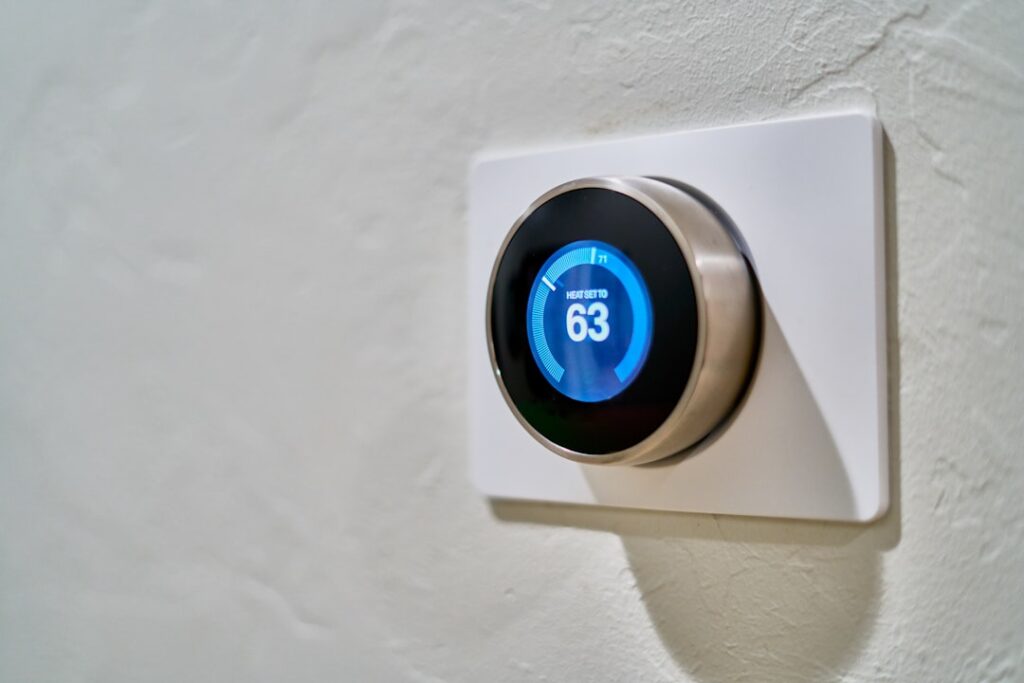
Many older homes lack the extra wire smart thermostats often need for constant power, but that does not mean you are stuck. Installing a smart thermostat without c wire is possible using compatible models, adapters, or a power-extender kit. This guide explains what the C wire does, your options, and how to install safely.
- What the C Wire Actually Does
- How to Check If You Have One
- Option 1: Choose a No-C-Wire Model
- Option 2: Use the Included Power Adapter
- Option 3: Add a Plug-In 24V Transformer
- Option 4: Run a New C Wire
- Comparing Your Options
- Safety First
- Compatibility Considerations
- Why Power-Stealing Can Cause Problems
- Identifying Your Existing Wires
- Cost of Each Approach
- When to Call a Professional
- Installation Overview
- Benefits Worth the Effort
- Choosing a No-C-Wire Compatible Model
- Avoiding Common Wiring Mistakes
- Final Thoughts
What the C Wire Actually Does
The C wire, or common wire, delivers continuous low-voltage power (24 volts) to the thermostat. Older mechanical thermostats did not need it because they only closed a circuit to signal heating or cooling. Modern smart thermostats have Wi-Fi radios and bright displays that draw power constantly, which is why they want a C wire.
How to Check If You Have One
Before buying anything, look behind your current thermostat.
- Turn off power to the HVAC system at the breaker for safety.
- Remove the thermostat faceplate to expose the wiring terminals.
- Look for a wire in the terminal labeled C. Sometimes a C wire is present but unused, tucked into the wall.
- Photograph the wiring so you can reference it during install.
If a spare wire is bundled in the wall, an electrician or handy homeowner can often connect it as a C wire.
Option 1: Choose a No-C-Wire Model
Some smart thermostats are specifically designed to work without a C wire by using power-stealing or a built-in rechargeable battery. These models trickle power from the existing heating and cooling wires. If you want the simplest path, buy a thermostat that explicitly advertises no-C-wire compatibility rather than trying to adapt one that requires it.
Option 2: Use the Included Power Adapter
Several popular thermostats include a small module called a power-extender kit (PEK) or C-wire adapter that installs at the HVAC control board. It repurposes existing wires to supply constant power without running a new wire through the wall.
- The adapter mounts at the furnace or air handler control board.
- It uses your existing wires to create a stable power path.
- Installation requires accessing the HVAC unit, not just the wall plate.
Option 3: Add a Plug-In 24V Transformer
If there is a nearby outlet, a plug-in 24-volt transformer can supply the C-wire power. A small wire runs from the transformer to the thermostat’s C terminal. This is a workaround best suited to situations where running a wire inside the wall is impractical, though the visible wire and adapter are less tidy.
Option 4: Run a New C Wire
The cleanest long-term solution is running proper 18/5 thermostat cable from the HVAC unit to the thermostat, giving you a dedicated C wire. This is more involved and may require fishing wire through walls, so many homeowners hire an HVAC technician. Expect $100 to $300 for a professional to add a C wire.
Comparing Your Options
- No-C-wire model: Easiest, but power-stealing can occasionally cause issues on some systems.
- Included adapter/PEK: Reliable and free with the thermostat, but requires HVAC access.
- Plug-in transformer: Simple if an outlet is close, but leaves visible wiring.
- New C wire: Most reliable and clean, but the most labor.
Safety First
Thermostat wiring is low-voltage, but the HVAC system it controls is not. Always shut off power to the furnace or air handler at the breaker before working on wiring, both at the wall and at the unit. If you are uncomfortable opening the HVAC control panel or identifying wires, hire a professional. Miswiring can damage the control board, an expensive repair.
Compatibility Considerations
Beyond the C wire, confirm your system type is supported. Heat pumps, multi-stage systems, and some high-voltage baseboard heaters have different requirements. Most smart thermostat makers offer an online compatibility checker where you enter your existing wires. High-voltage (120/240V) line-voltage systems generally are not compatible with standard smart thermostats.
Why Power-Stealing Can Cause Problems
No-C-wire thermostats often use a technique called power-stealing, drawing tiny amounts of current through the heating and cooling control wires to charge an internal battery. On most systems this works fine, but on some high-efficiency furnaces or sensitive control boards it can cause phantom triggering, where the system briefly clicks on and off, or the thermostat may struggle to keep its battery charged. If your system is finicky, a dedicated C wire or a power-extender kit provides steadier power and avoids these issues entirely.
Identifying Your Existing Wires
Before choosing a solution, document what you have. Standard thermostat wires follow common labeling.
- R (or Rc/Rh): The 24-volt power wire from the transformer.
- W: Calls for heat.
- Y: Calls for cooling (the compressor).
- G: Controls the fan.
- C: The common wire that provides continuous power, often missing in older homes.
Photographing and labeling these before disconnecting anything makes the install far smoother and prevents miswiring.
Cost of Each Approach
Budget varies widely by method. A no-C-wire thermostat with a built-in battery costs only the price of the unit. Using an included power-extender kit adds no extra hardware cost. A plug-in 24-volt transformer runs about $15 to $30. Running a new C wire professionally typically costs $100 to $300 depending on wall access and distance. Weigh the one-time wiring cost against the convenience of a permanent, reliable power source, especially if you plan to keep the thermostat for many years.
When to Call a Professional
DIY thermostat installation is within reach for many homeowners, but certain situations warrant a pro. Call an HVAC technician if you cannot identify your wires, have a heat pump or multi-stage system, need to run a new wire through finished walls, or are uncomfortable opening the furnace control panel. A technician can also verify your system is compatible and confirm the C-wire adapter is installed correctly at the control board, protecting an expensive furnace from wiring mistakes.
Installation Overview
- Turn off HVAC power at the breaker.
- Label and photograph existing wires, then remove the old thermostat.
- Install the C-wire adapter at the HVAC board if using one.
- Connect wires to the new base plate per the labeled terminals.
- Attach the thermostat, restore power, and complete app setup.
Benefits Worth the Effort
Even with the C-wire wrinkle, a smart thermostat delivers real value that justifies the install. Programmable schedules and learning algorithms cut heating and cooling costs, often 8 to 15 percent on the relevant portion of your energy bill. Remote control lets you adjust the temperature from your phone before returning home, and energy reports show where you are spending. Geofencing can automatically set back the temperature when everyone leaves. These features pay back the modest cost over a couple of seasons for most households.
Choosing a No-C-Wire Compatible Model
If running a wire is not practical, shopping for the right thermostat is the key step. Look specifically for models that advertise operation without a C wire, either through a built-in rechargeable battery or an included power-extender kit.
- Confirm the listing explicitly states no-C-wire compatibility.
- Check whether it includes a power adapter or relies on power-stealing.
- Use the manufacturer’s online compatibility checker with your wire photos.
- Verify support for your system type, such as heat pump or multi-stage.
Avoiding Common Wiring Mistakes
A few errors trip up first-time installers. Connecting the wrong wire to the C terminal can short the control board, so double-check labels against your photos. Forgetting to install the jumper between Rc and Rh when your system uses a single R wire is another frequent misstep. And leaving the HVAC power on while wiring risks both a shock and board damage. Working methodically, one labeled wire at a time, with the breaker off, prevents nearly all of these problems.
Final Thoughts
Installing a smart thermostat without c wire is entirely doable, whether you choose a no-C-wire model, use the included power adapter, add a plug-in transformer, or run a new wire. Check your existing wiring first, confirm system compatibility, and always cut power at the breaker before you start. With the right approach, you can enjoy smart scheduling and remote control even in an older home.