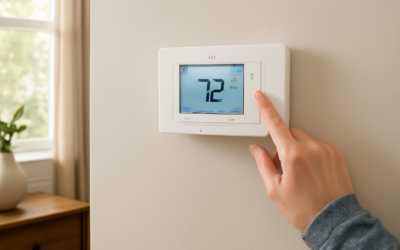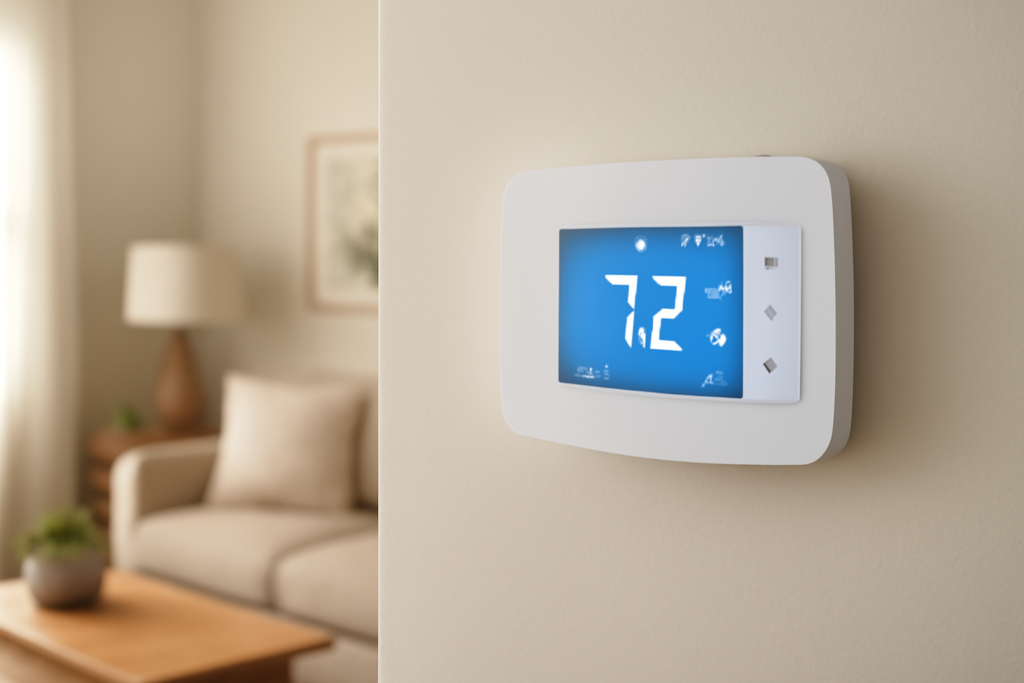
The Sensi smart thermostat, made by Emerson, is the quiet workhorse of the smart-thermostat world — less flashy than a Nest or Ecobee, but famously simple to install and unusually forgiving about wiring. If you want app control, scheduling, and reliable temperature management without a design-object price tag, a Sensi smart thermostat is one of the smartest buys under $170.
This guide covers the lineup, the C-wire question, compatibility, a DIY install, and how to set it up for real savings.
- The Sensi Lineup
- Does a Sensi Need a C-Wire?
- Safety: Kill the Power First
- Compatibility
- Step-by-Step Installation
- Setting Up Schedules and Geofencing
- Voice Control and Smart Home Integration
- Utility Rebates and Flex Programs
- Troubleshooting Common Problems
- Sensi App and Remote Monitoring
- Sensi vs Nest and Ecobee
- Is a Sensi Right for You?
The Sensi Lineup
Emerson sells three main models, and picking the right one saves money:
- Sensi (ST55/ST75), about $50-$80. Physical button interface, Wi-Fi, app scheduling, and works with most Alexa and Google setups. The value pick.
- Sensi Touch 2, about $150-$170. Full color touchscreen, customizable display, and works with Alexa, Google Assistant, Apple HomeKit, and SmartThings.
- Sensi Lite, about $50. A stripped-down model aimed at basic Wi-Fi control and utility programs.
All of them share Emerson’s core strength: a genuinely easy setup that many homeowners finish in under 30 minutes.
Does a Sensi Need a C-Wire?
This is where Sensi stands apart. The basic Sensi thermostat does not require a C-wire for most common heating and cooling systems. It can run on battery-free power drawn from your existing wires in a lot of single- and two-stage setups, which makes it a lifesaver in older homes that never had a common wire run.
There are limits. Systems without a C-wire that also lack certain conductors — particularly some heat-pump and multi-stage configurations — will still need one. The Sensi Touch 2, because of its power-hungry color screen, requires a C-wire in nearly all installations. Always check the model’s wiring requirements against your setup before buying.
To check your wiring: shut off HVAC power at the breaker, remove your old thermostat faceplate, and photograph the terminals. Look for a wire in the terminal labeled C. If it is empty and you have the basic Sensi with a compatible system, you are likely fine. If not, you may need to add one.
Safety: Kill the Power First
Thermostat wires carry low-voltage 24V control signals, but the furnace or air handler behind them switches 120V or 240V. Before you disconnect anything, turn off the HVAC system at the breaker panel or at the furnace’s service switch. This protects the control board’s 3- to 5-amp fuse — the part most people blow by accidentally touching two wires together during a swap. Never work on a live system, and label each wire before removing it.
Compatibility
Sensi thermostats work with the vast majority of residential 24V systems:
- Gas, oil, and electric forced-air furnaces
- Central air conditioning
- Heat pumps, including those with auxiliary and emergency heat (up to 4 heat / 2 cool on the Touch 2)
- Radiant and hot-water systems with 24V control
They do not work with line-voltage (120V/240V) baseboard or millivolt-only systems. Emerson offers a free online compatibility checker inside the Sensi app — walk through it with your wiring photo before you buy, since it takes two minutes and prevents an expensive return.
Step-by-Step Installation
The Sensi app guides you through the entire install with animated, wire-by-wire prompts, which is why it is often called the easiest smart thermostat to fit yourself.
- Power off the HVAC system at the breaker. Confirm it is dead by trying to change the temperature on the old unit.
- Open the app and start the guided install. It asks you to enter each wire you see, then tells you exactly how to reconnect them.
- Label and remove the old wires using the included stickers, then unscrew the old base.
- Mount the Sensi backplate, feeding wires through and leveling it. Use the included anchors on drywall.
- Connect each wire to the matching terminal — R/Rc, C (if used), W, Y, G, and heat-pump terminals like O/B for the reversing valve.
- Install the two AA batteries (the basic Sensi keeps its clock and settings powered even without a C-wire) and snap the faceplate on.
- Restore power and finish Wi-Fi setup in the app.
Setting Up Schedules and Geofencing
Once online, the app is where the savings live. Build a 7-day schedule with distinct weekday and weekend blocks. A common winter profile holds 68°F when you are home, drops to 62°F overnight, and pulls back to 60°F while everyone is out.
Turn on Smart Alerts for extreme temperature, humidity, and filter reminders, and enable geofencing so the thermostat eases off conditioning when your phone leaves a set radius and resumes before you get home. Geofencing is especially useful for households with irregular schedules that a fixed program can’t predict.
Voice Control and Smart Home Integration
Every current Sensi model works with Amazon Alexa and Google Assistant, so you can adjust temperature by voice. The Sensi Touch 2 adds Apple HomeKit and Samsung SmartThings, letting you fold the thermostat into scenes — for example, dropping the heat automatically when a “Good Night” routine runs. The basic Sensi covers Alexa and Google, which is enough for most homes.
Utility Rebates and Flex Programs
One underrated Sensi perk is deep participation in utility demand-response programs. Many power companies offer $50 to $100 rebates on qualifying Sensi models, sometimes bringing the basic thermostat’s net cost close to zero. In exchange for small, temporary temperature adjustments during peak grid events, you may earn annual bill credits. Check your utility’s marketplace before buying — the rebate can decide which model makes sense.
Troubleshooting Common Problems
Sensi’s simplicity means few things go wrong, but when they do:
- Thermostat unresponsive: on the basic model, check the two AA batteries first — dead cells are the most common cause. On the Touch 2, verify the C-wire connection.
- Wi-Fi drops: Sensi uses a 2.4 GHz band. If your router combines bands under one SSID, separate them during setup or place the thermostat within solid range of the router.
- Heat or cool runs constantly: confirm the equipment type and heat-pump O/B reversing-valve setting match your system in the app.
- Short-cycling: check that cycle-rate and minimum run-time settings suit your equipment.
Because the basic Sensi keeps its schedule on battery power, a brief HVAC power loss won’t wipe your settings the way it can on always-powered-only thermostats.
Sensi App and Remote Monitoring
The Sensi app does more than set temperature. It logs usage history so you can see how long your system runs each day, sends maintenance reminders for filter changes, and pushes alerts if the indoor temperature swings outside a safe band — handy for a vacation home where a furnace failure in winter could mean frozen pipes. You can control multiple Sensi thermostats in one home (for a multi-zone system) from a single account, and grant access to family members so everyone can adjust comfort without sharing a login.
Sensi vs Nest and Ecobee
Sensi’s pitch is straightforward: it costs less, installs more easily, and works without a C-wire in more setups than the competition. The trade-off is fewer premium extras. Nest offers auto-scheduling (it learns your habits) and a sleeker design; Ecobee adds room sensors and radar presence detection. Sensi skips the flashy learning algorithms in favor of a dependable manual schedule, geofencing, and strong utility-rebate support. If you want the fanciest features, look at Nest or Ecobee. If you want a reliable, affordable, easy-to-fit thermostat — especially in an older home — Sensi is the pragmatic winner.
Is a Sensi Right for You?
Pick the basic Sensi if you want the cheapest reliable path to app control and scheduling, especially in an older home with no C-wire. Step up to the Sensi Touch 2 if you want a color touchscreen, HomeKit support, and multi-stage heat-pump control — just be ready to add a C-wire.
The Sensi smart thermostat won’t wow anyone with radar presence sensing or a built-in speaker, and that is precisely the point. It installs fast, plays nice with older wiring, qualifies for strong rebates, and does the core job — comfortable rooms and lower bills — without fuss. Confirm compatibility, shut off the power, and follow the in-app prompts, and you’ll have it running before your coffee gets cold.