
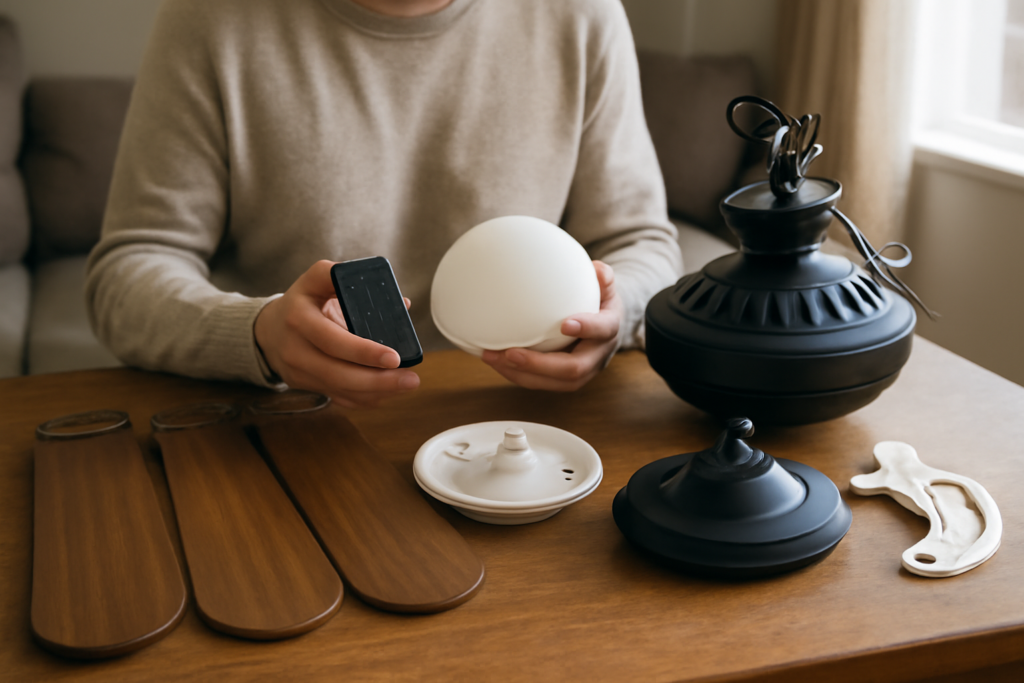
Harbor Breeze is Lowe’s house brand, which means there’s no Harbor Breeze factory, no Harbor Breeze customer-service headquarters, and no harborbreeze.com parts counter. The fans are built by contract manufacturers (primarily Litex Industries of Grand Prairie, Texas), sold exclusively through Lowe’s, and supported through a patchwork of Litex, Lowe’s, and third-party parts sellers. That makes finding harbor breeze ceiling fan parts more of a detective job than it should be — but once you know where the model number hides and who actually stocks the parts, most repairs cost $10 to $40 and take under an hour.
Step One: Find Your Model Number (Not the Fan’s Name)
“Mazon,” “Armitage,” “Merrimack,” and “Sail Stream” are marketing names — parts sellers need the model number, which looks like LP8294LAZ, 40837, or E-MM524BNK. Check these locations in order:
- Top of the motor housing. A silver or white sticker on the flat surface facing the ceiling. You’ll need a ladder and often a flashlight and phone camera held above the motor.
- Inside the switch housing. Remove the light kit or bottom cap; a label is frequently inside the cup where the pull-chain switch lives.
- On the mounting bracket or inside the canopy at the ceiling.
- Your Lowe’s receipt or order history. Lowe’s online accounts keep purchase history for years — the item number cross-references the model.
- The manual or the box. The UPC and item number both work with Litex support.
Write down everything on the label: model, item number, UPC, and date code. Harbor Breeze reuses fan names across generations, and a 2015 Merrimack takes different parts than a 2022 Merrimack.
The Four Failures That Account for Most Repairs
1. Capacitor (fan hums but won’t spin, or lost speeds)
The single most common Harbor Breeze failure. The capacitor is a small black box inside the switch housing with 3 to 5 wires; it provides the phase shift that starts the motor and sets the speed steps. Symptoms map cleanly:
- Fan hums and gets warm but blades don’t turn (spin them by hand and the fan runs): dead start capacitor.
- High speed works, medium or low is dead or all speeds feel the same: one leg of a multi-value capacitor has failed.
- Visible bulging, cracking, or a burnt-wax smell in the switch cup: replace it immediately.
Replacements are generic — match the microfarad (uF) values printed on the old part (e.g., “4.5uF+5uF+6uF 250VAC”) and the wire count. Cost: $8 to $15 on Amazon or at electrical suppliers. Kill the breaker, photograph the wiring, swap wire-for-wire by color. This is the highest-value 30-minute repair in the fan world.
2. Pull Chain Switch (chain snapped off or spins freely)
Chains snap inside the switch, and the switch itself wears out. Two cases:
- Chain broke outside the housing: a $3 chain extension and connector fixes it — no wiring at all.
- Chain broke flush or the switch no longer clicks through speeds: replace the switch. Harbor Breeze fans use 3-speed 4-wire rotary switches in most models (labeled L-1-2-3). Buy the same wire count and wiring sequence — a 4-wire switch wired in the wrong order gives you scrambled speeds. Note each wire’s terminal before pulling them. Cost: $6 to $12.
3. Remote and Receiver (fan ignores the remote)
Harbor Breeze remotes fail more often than the fans. Before buying anything: replace remote batteries, then check the dip switches — the remote and the receiver (a wedge-shaped module hidden in the canopy at the ceiling) must have identical dip-switch positions. Power-cycle at the breaker for 60 seconds and re-pair (many models: hold the fan-off button or a dedicated pair button within 30 seconds of power-up).
If the remote is truly dead, you have three options: an exact Litex replacement (model numbers like FAN-HD, KUJCE9603, TX012 are printed inside the battery compartment — $15 to $30), a universal ceiling-fan remote kit ($25 to $45) that replaces both remote and receiver, or bypassing the receiver entirely and running the fan on pull chains and wall switches. Bypassing means opening the canopy and wiring the fan’s leads directly to house power — straightforward, and our ceiling fan wiring guide shows exactly which wires connect where.
4. Light Kit Parts (glass shades, LED drivers, sockets)
Broken glass shades are the hardest Harbor Breeze part to source because shades are model-specific. Measure the fitter diameter (the neck that screws or clips in — commonly 2.25 in), height, and widest bowl diameter, then search those dimensions rather than the fan name. For integrated-LED models, the LED panel and driver are replaceable on many units (Litex sells them), but on some budget models a dead driver economically totals the light kit. Candelabra sockets, pull-chain light switches (2-wire on/off), and glass bowls all run $5 to $25.
Where to Actually Buy the Parts
| Source | Best for | Notes |
|---|---|---|
| Litex Industries (litexindustries.com, 1-800-527-1292) | Model-specific parts: blades, blade arms, glass, receivers, LED drivers | The actual manufacturer for most models; have your model number ready. Some parts free under warranty. |
| Lowe’s customer service | Warranty claims, recent purchases | Stores stock almost no parts; they route you to Litex, but they process warranty swaps. |
| Amazon / eBay | Generic parts: capacitors, switches, universal remotes, downrods | Fastest for the common failures. Match specs exactly. |
| CeilingFanParts / specialty fan-parts sites | Odd glass shades, discontinued blade arms | Pricier, but they stock discontinued items. |
Warranty reality check: Harbor Breeze motors carry a “limited lifetime” warranty, but it covers the motor only, requires the original receipt, and excludes labor. Capacitors, switches, and remotes typically get 1 year. For a fan under a year old, call Lowe’s first; for anything older, buying the $10 part beats the paperwork.
Parts Worth Replacing vs. Replacing the Fan
Harbor Breeze fans sell for $60 to $250, which changes the repair math versus a $500 fan:
- Always worth repairing: capacitor, pull chain switch, chain, remote batteries/pairing, wobble (use the balance kit), a single cracked glass shade.
- Usually worth it: receiver swap, light kit socket, blade arm (sold in sets — replace all if one warped, mismatched arms wobble).
- Rarely worth it: motor windings burned (burnt smell, breaker trips, seized shaft), bearing grinding on a $79 fan, or an integrated-LED driver on a discontinued budget model. At that point put the money toward the new fan — and if the ceiling is over 9 feet, put it toward a proper ceiling fan downrod too, since the right hanging height does more for airflow than any part swap.
Diagnosing Before You Order: a 10-Minute Checklist
- Breaker on, wall switch on, dimmer removed from the circuit (dimmers destroy fan speed controls and cause hum).
- Spin the blades by hand with the fan switched on. Starts and keeps running = capacitor. Nothing = switch, receiver, or power.
- Pull chain clicks through four positions? If it spins freely or won’t click, it’s the switch.
- Remote fan: check dip switches and re-pair before buying hardware.
- Wobble: tighten blade-arm screws first (they loosen seasonally), then run the balancing kit. Wobble is almost never a “part.”
- Hum with speed loss: capacitor. Hum at all speeds with a dimmer on the wall: the dimmer.
Harbor Breeze Parts FAQs
Are Harbor Breeze parts interchangeable with Hampton Bay? Generic components — capacitors, 3-speed switches, universal remotes — yes, if specs match. Cosmetic and structural parts (blade arms, glass, canopies) — no. Hampton Bay is Home Depot’s equivalent house brand made by different contract manufacturers.
Who makes Harbor Breeze? Litex Industries manufactures and supports the large majority of models; some older units came from other suppliers. Litex’s parts line is the closest thing to an official Harbor Breeze parts department.
Can I get replacement blades? Yes, through Litex with your model number, typically $8 to $15 per blade. Replace warped blades in full sets when possible; mixed-age blades often can’t be balanced.
My fan is outdoors and rusting — are there upgraded parts? Only damp/wet-rated Harbor Breeze models belong outside, even on a covered patio. Rusted hardware on a dry-rated fan outdoors isn’t a parts problem; it’s the wrong fan for the location.
The pattern with Harbor Breeze is consistent: the motors outlast the $10 components around them. Find the model number, diagnose with the spin-test and click-test, order from Litex or Amazon, and the fan you almost threw away runs another decade.


